









Studio in your browser
Prompt, uploads and results in a single window. Works on phone and desktop.
MindlyFlow
Animate a photo, create a DeepFake, swap a face — right in your browser,without installing software.
All neural networks run in your browser — nothing to install. New models every week.
Photo Animation with AI
from 10 tokensFace Swap on Photos and Videos
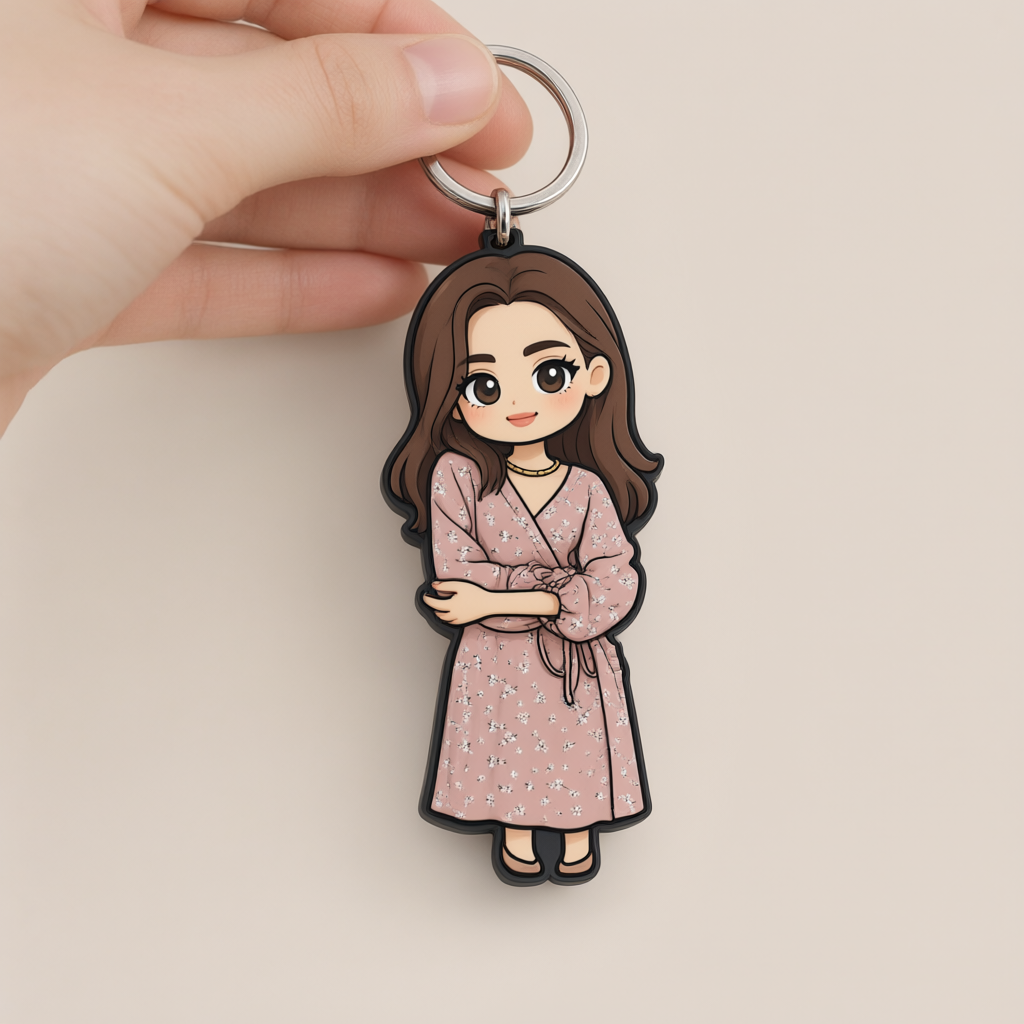
Trends for social media
Image Generation from Description
Edit a photo from a description
Video Generation from Description
Songs from a prompt
Try new AI tools — already available
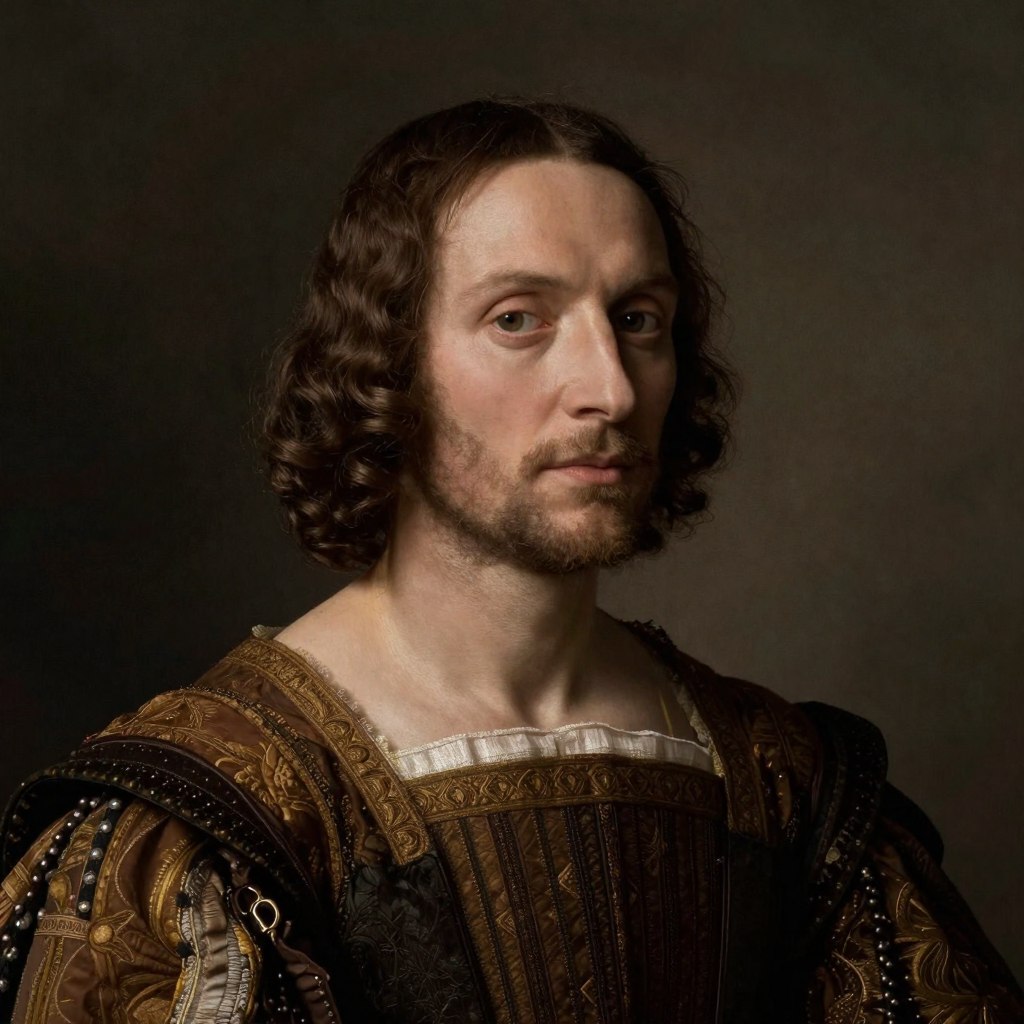
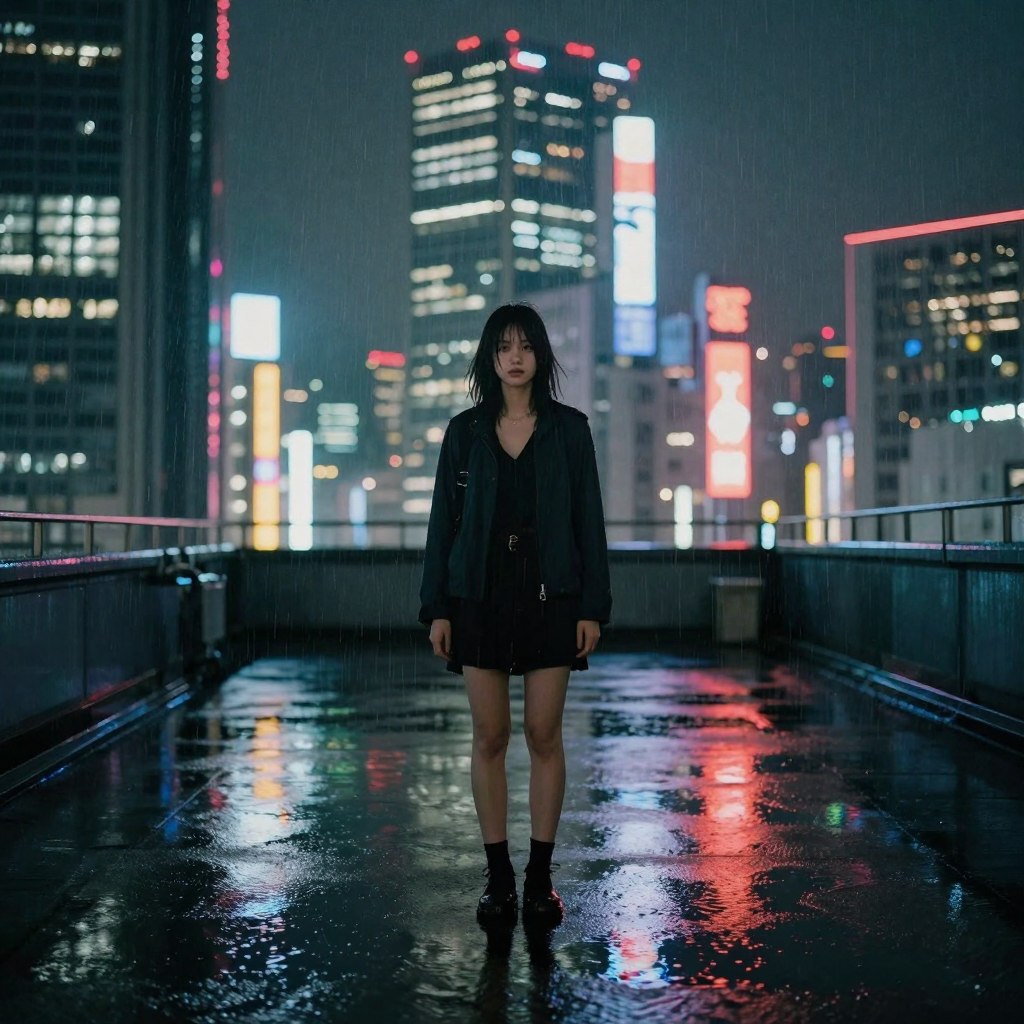
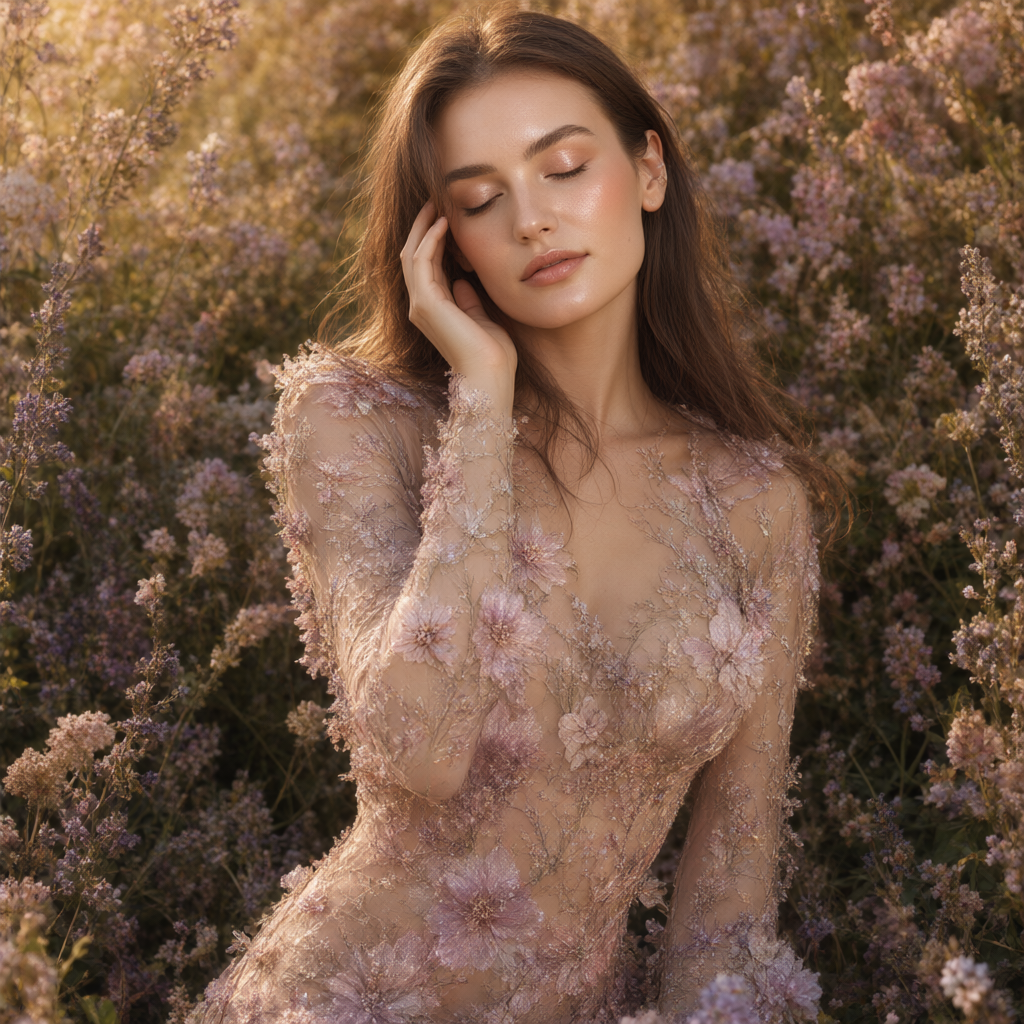
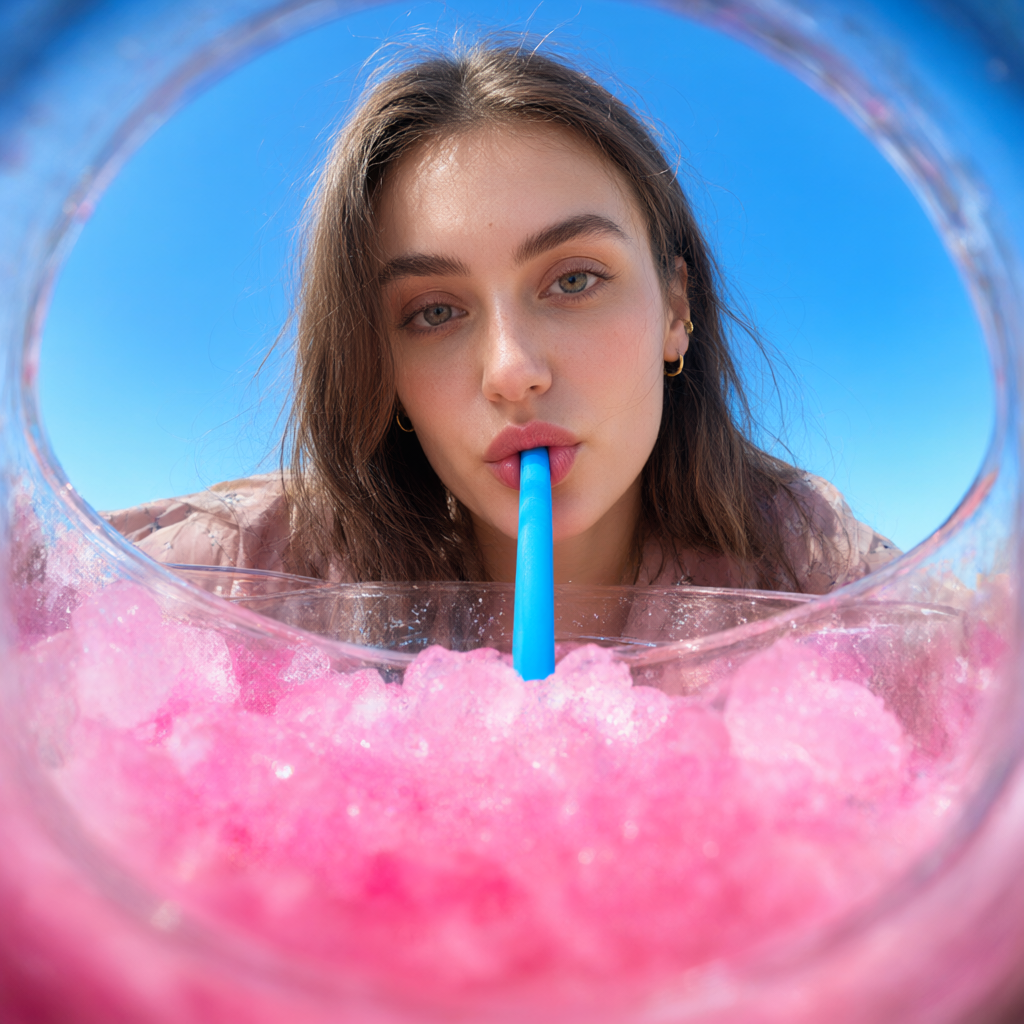
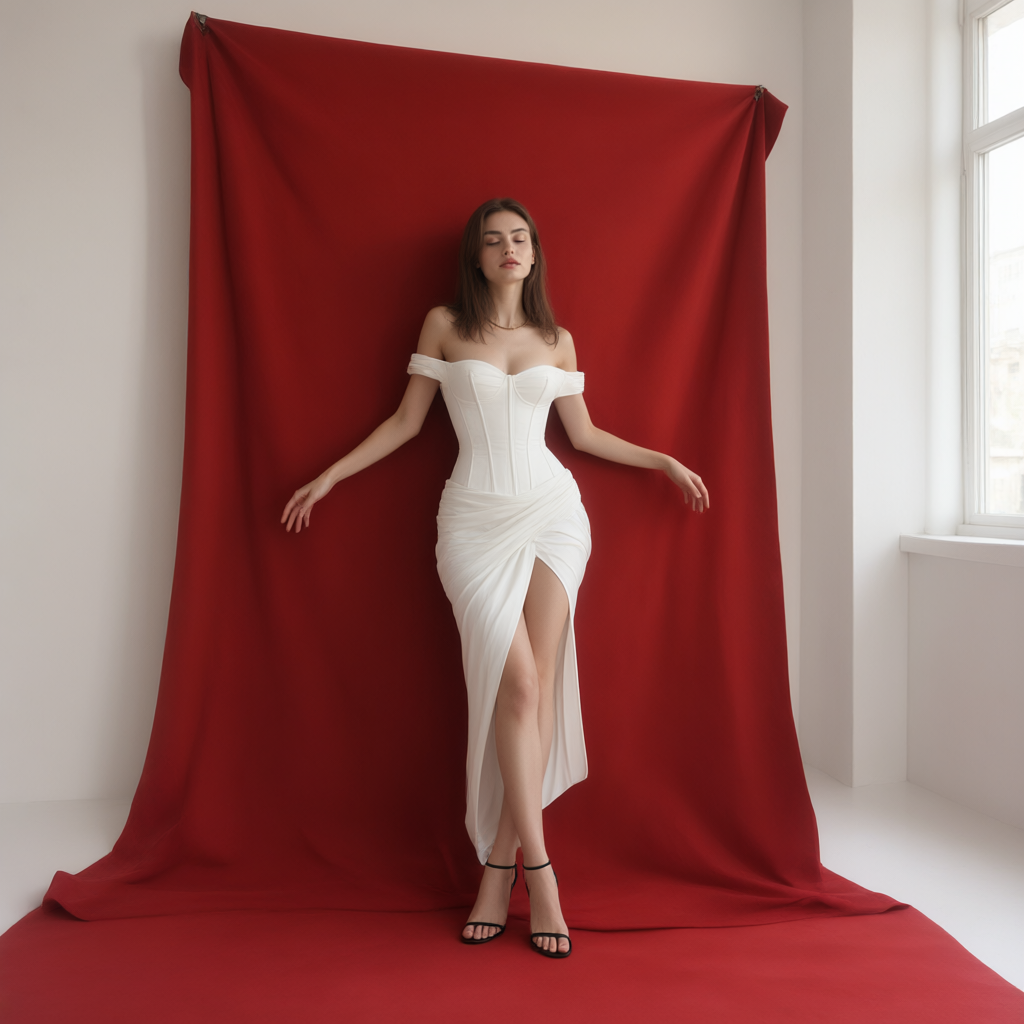
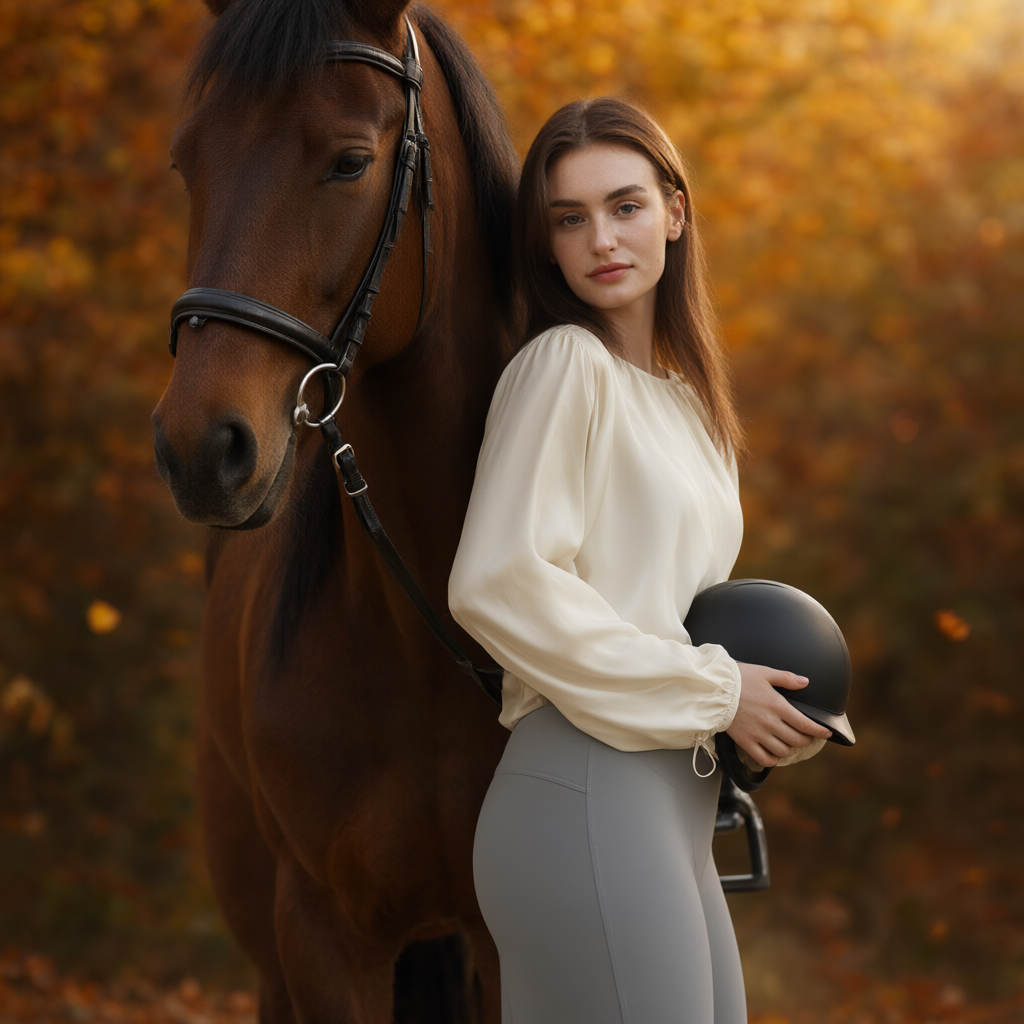
Describe an image in one sentence — the neural network will create aphotorealistic picture in seconds. No photo upload, no settings.
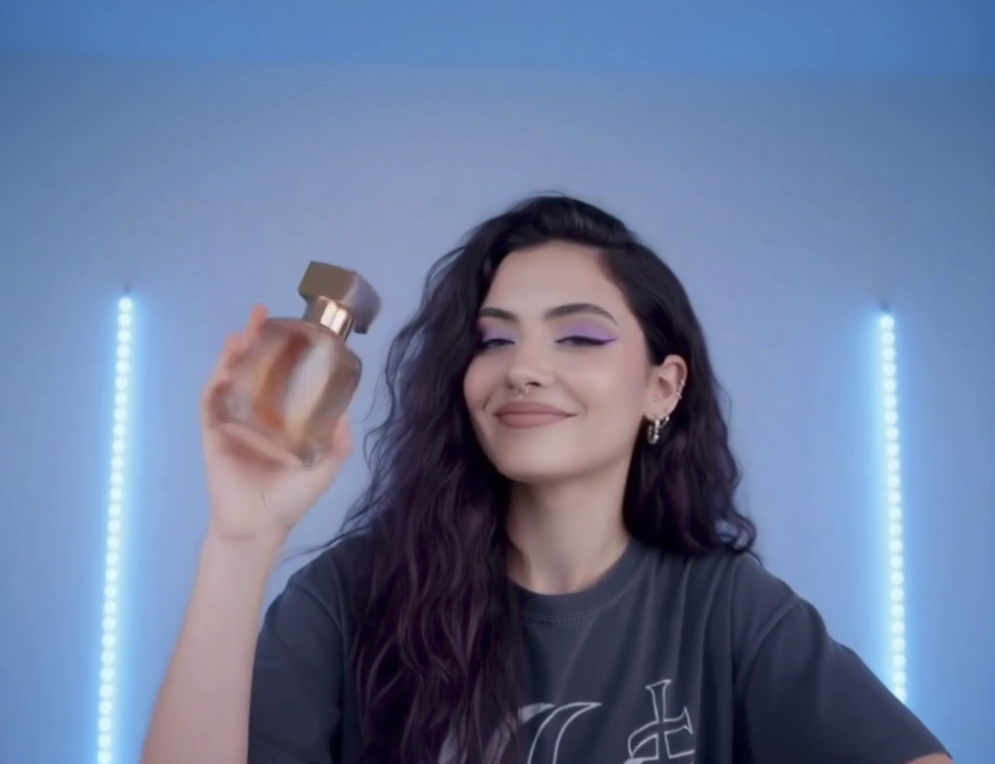
Write what you want to see — AI will generate a video. Rivers, cities,people, special effects — everything is created automatically from yourdescription.
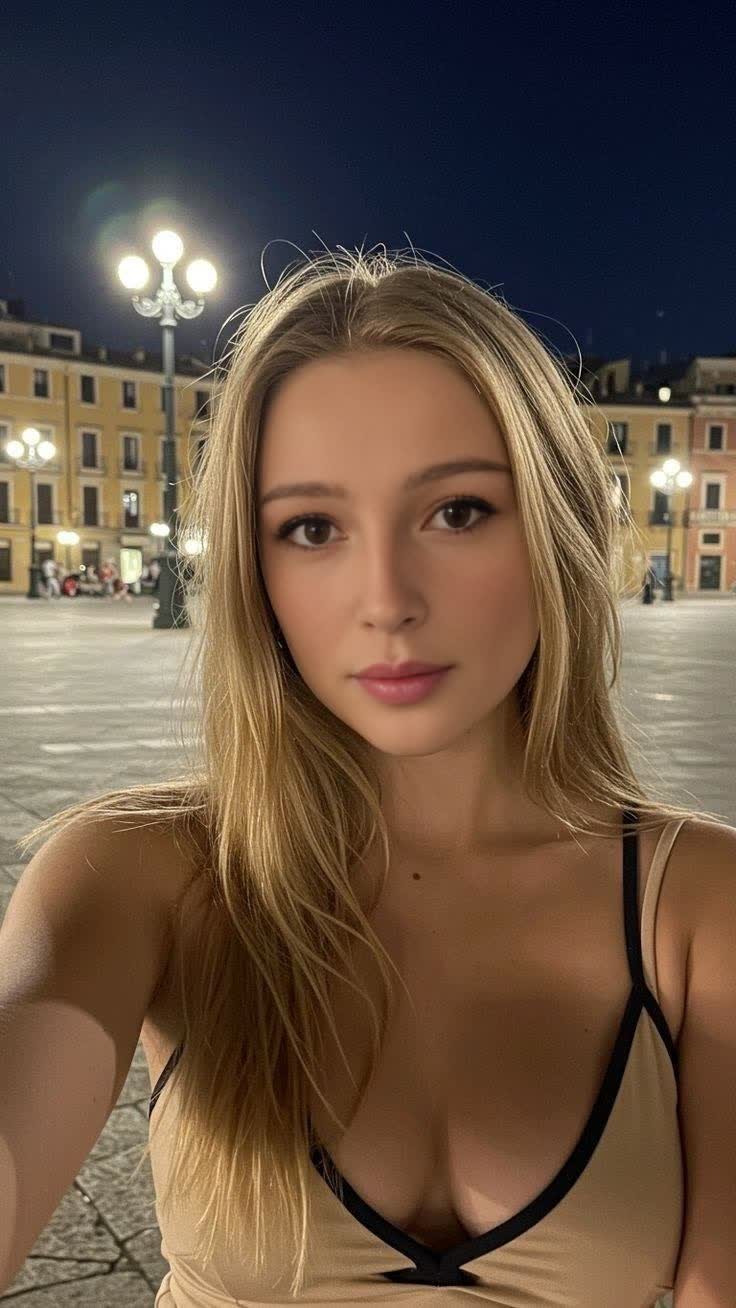
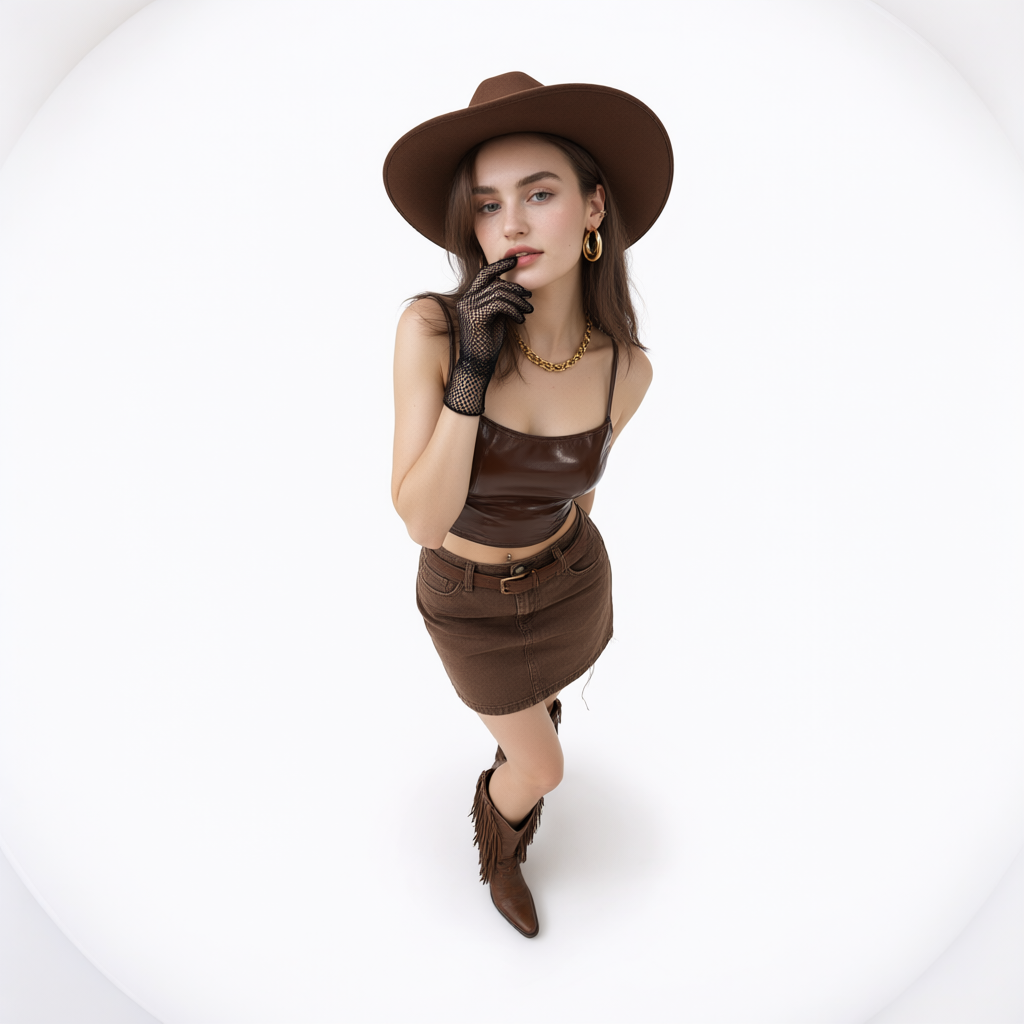
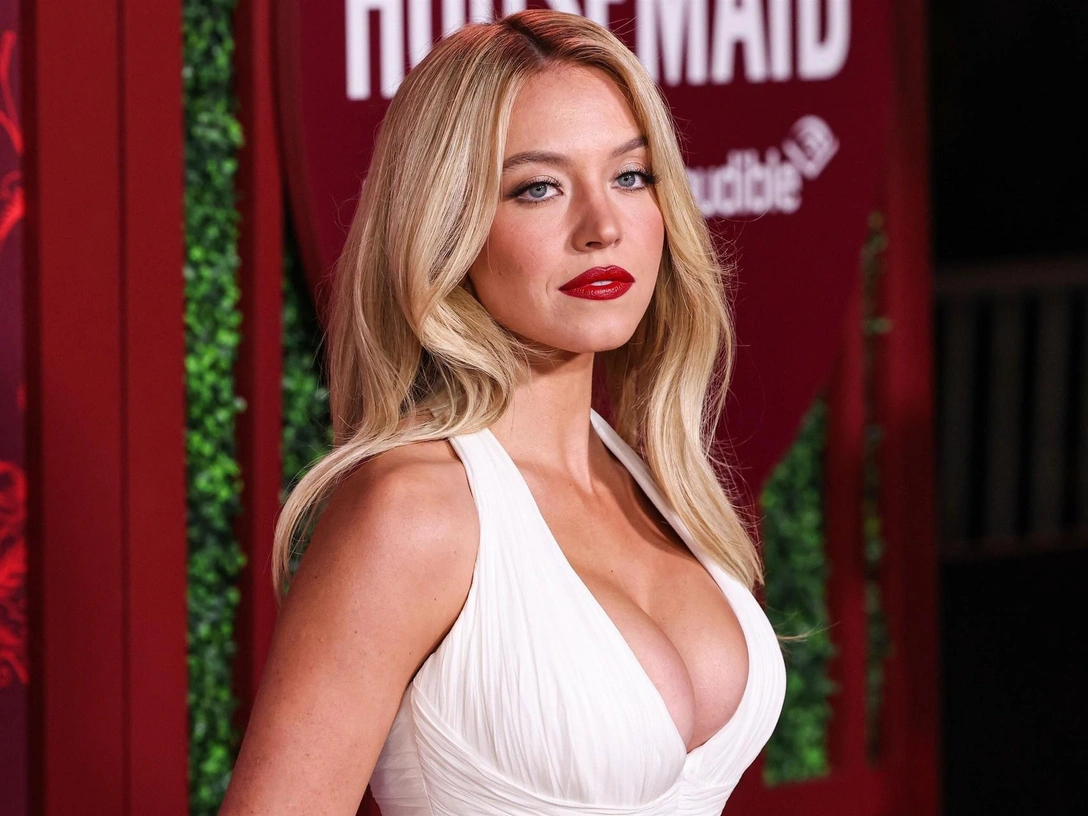
Upload a photo of your face and a source — the neural network will swap theface automatically. Works with photos and videos, preserving naturalmovements.
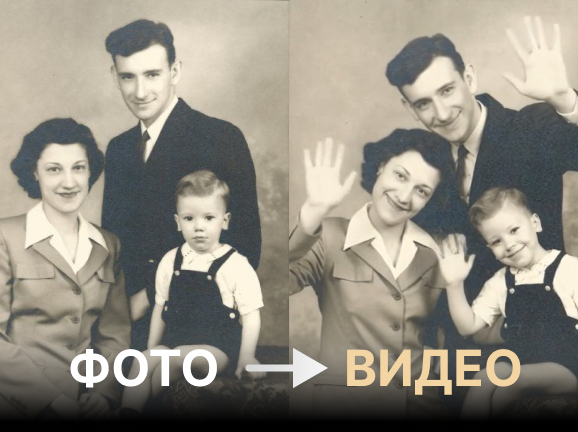
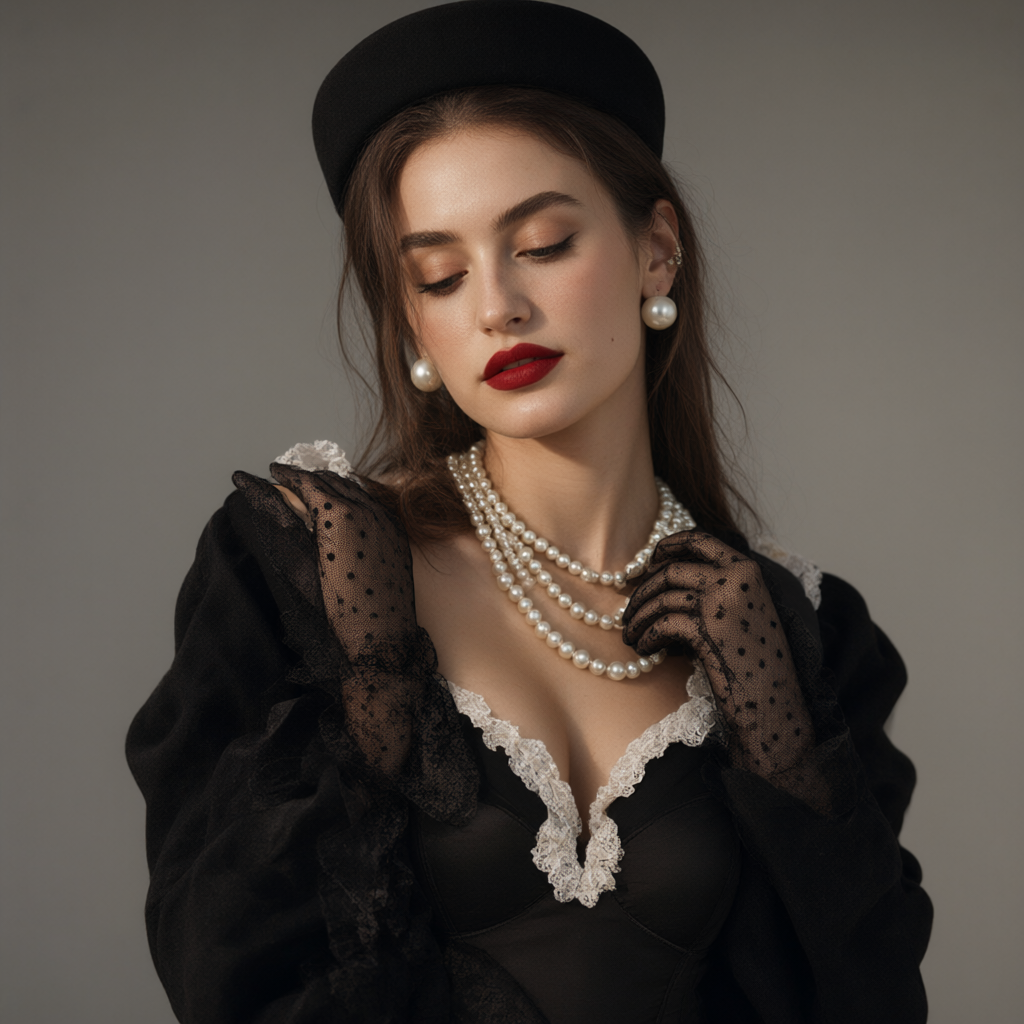
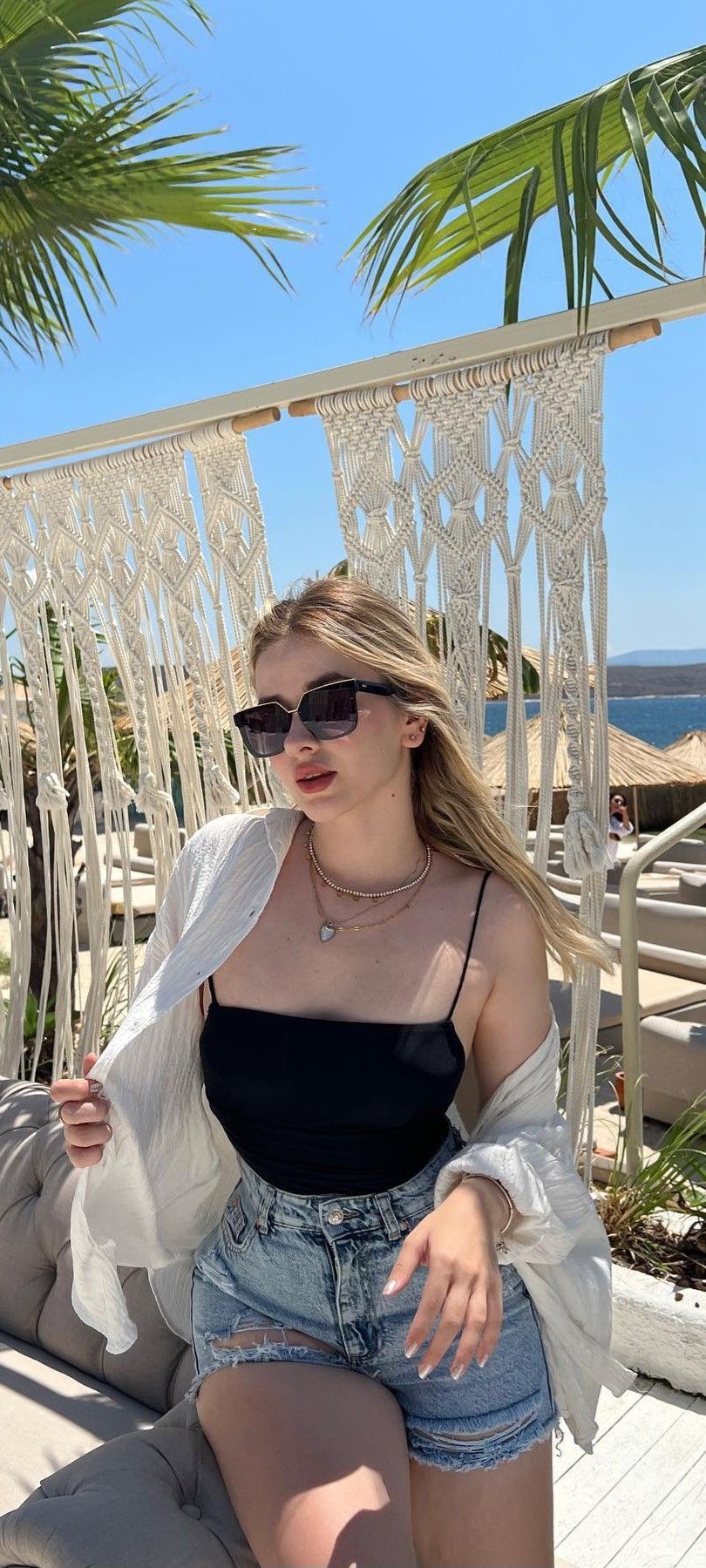
Animate your photo and bring it to life. The neural network will createmotion, breathing, and emotions — you'll get a living portrait in seconds
From idea to finished file — no installs, no complex settings.
Prompt, uploads and results in a single window. Works on phone and desktop.
One token — one request. Pay only for what you create.
Describe your idea in plain words — the AI turns it into a precise prompt and picks the settings.
Download finished files without watermarks and keep editing.
Pay with tokens for each generation — no subscriptions. Starter tokens are free on sign-up.
Open a tool, upload a file and get the result — all in your browser.
Choose a file from your device
Usually 10–60 seconds
Save or Share
MindlyFlow is used for entertainment, content, and professional tasks
Animate photos for stories, create unique content for Reels and TikTok
Animate an old family photo, create a living portrait as a gift, or make amemorable video from a simple photo
Create animated banners from product photos, animate advertising visuals,and attract audience attention
DeepFake for entertainment content — everything you need for regular posts
One token — one request to the neural network. Start for free, top up whenneeded.
Узнайте, как оживить фото онлайн с помощью ИИ. Пошаговый гайд по превращению старых снимков, картин и портретов в реалистичные видео с помощью нейросетей.
Подробное руководство по замене лиц на фото и видео с помощью ИИ. Узнайте, как создать дипфейк, быстро поменять лицо местами онлайн и подставить любое лицо на снимках без навыков фотомонтажа
Полный гайд по созданию дипфейков онлайн через MindlyFlow. Разбираем технологию, требования к исходникам, пошаговую инструкцию и типичные ошибки.
MindlyFlow is an online neural network service for photo and videoprocessing. Photo-to-video animation, DeepFake (face swap), backgroundremoval, photo quality enhancement, and old photo restoration — everythingworks right in your browser, without installing software.
Upload a photo, choose an animation template, or write your own prompt — theneural network will create a video in 10–60 seconds. MindlyFlow has dozensof ready-made templates, so you can create animations without knowingprompts.
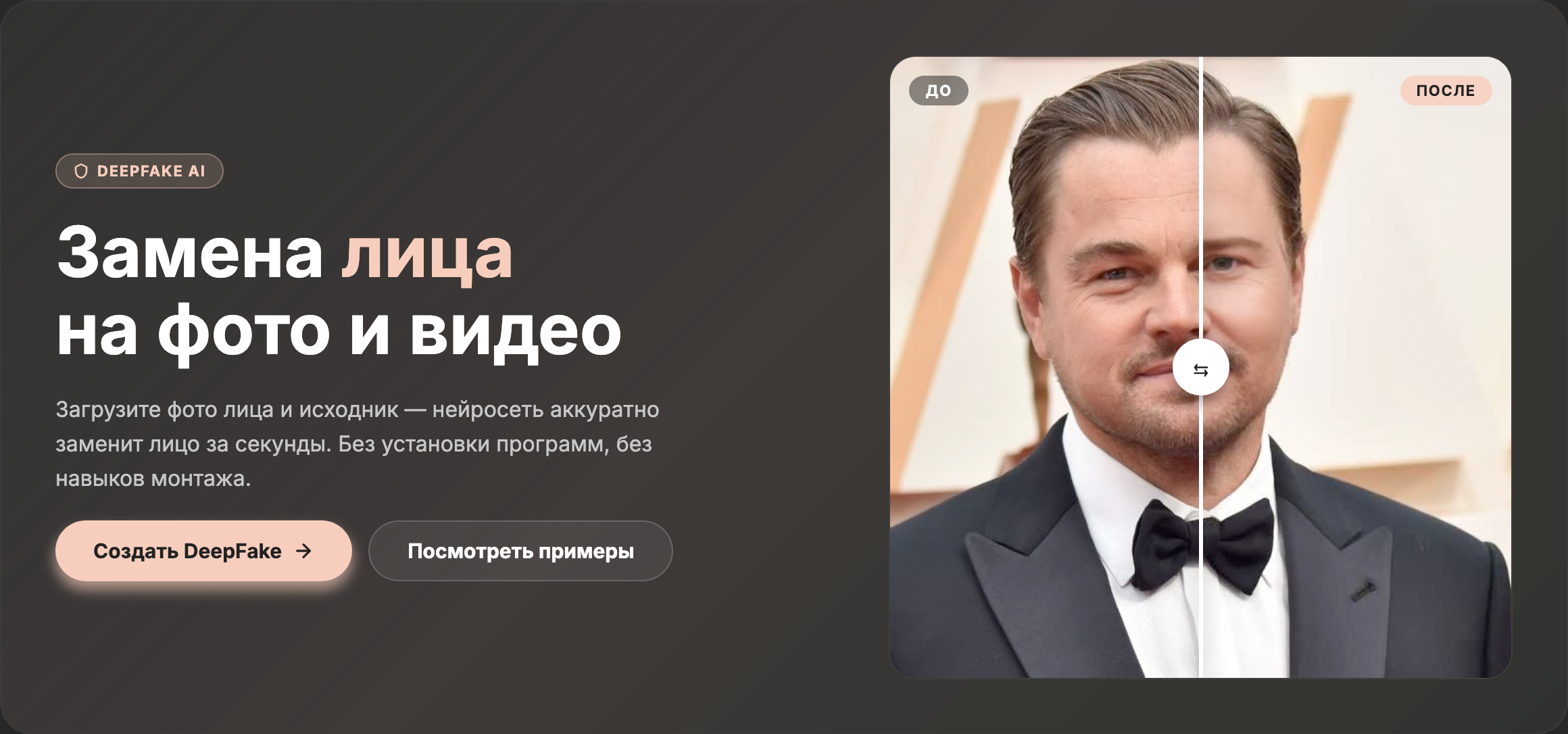
DeepFake is a face swap on photos or videos using AI. You upload a facephoto and a source, and the neural network does the swap automatically andrealistically. Suitable for any photo and video format.
Monetization via tokens: 1 token = up to 1 request to the neural network.Token packs are sold with discounts up to 75% — the bigger the pack, thecheaper. Starter tokens are available after registration for your firstexperience with the service.
Registration is free and takes less than a minute — via email orGoogle/Yandex account. After signing in, you receive starter tokens and canimmediately launch your first neural network. Without registration, only thetemplate gallery view is available.
For photo animation, JPG, PNG, WEBP are accepted. For DeepFake — face photoin JPG/PNG, and the source can be a photo or video (MP4, MOV, AVI). Finishedresults are downloaded in MP4 or JPG depending on the processing type.
All results are saved in your personal account under My Files. You candownload them at any time. Your uploaded source files are not stored on theserver longer than needed for processing — they are deleted after the taskis completed.
Yes, the processing results belong to you. You can use them on social media,as avatars, in presentations, and marketing materials. The only restrictionis that you cannot use DeepFake for deception, discrediting, or creatingcontent without the consent of the people depicted.
Turn any portrait into a live video with motion in 10–60 seconds. Choose atemplate or write your own prompt — the neural network will create arealistic animation with breathing, blinking, and expressions.
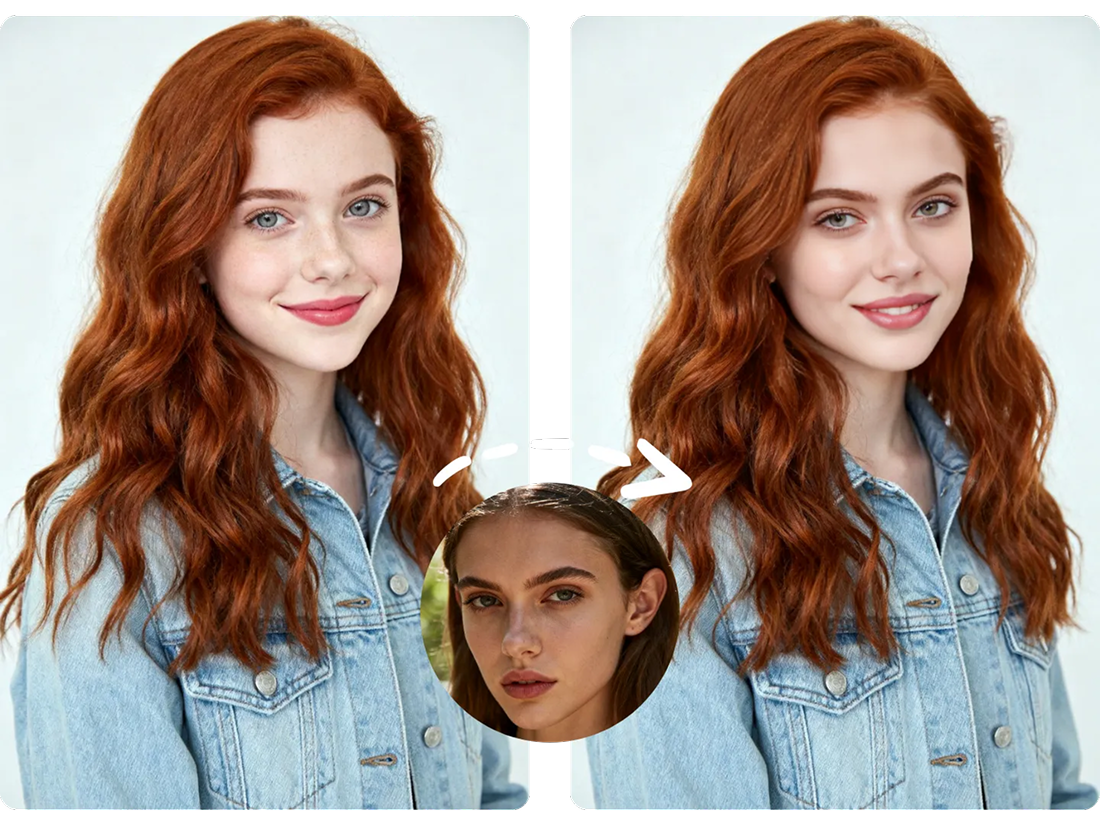
Upload a face photo and any source — the neural network will realisticallyswap the face onto a photo or video. The result is ready in seconds,preserving natural movements and expressions.
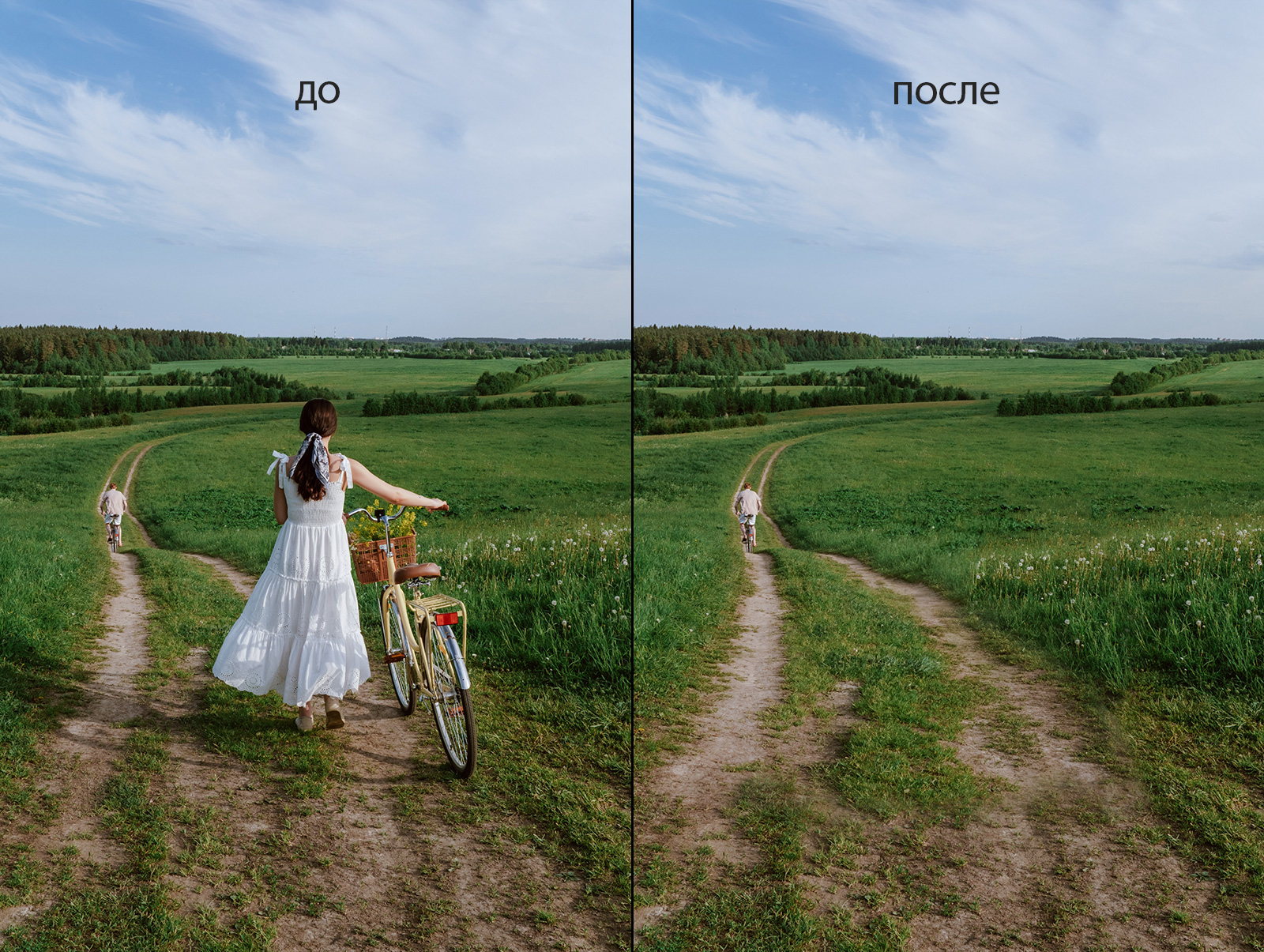
Background removal, quality enhancement, old photo restoration, and unwantedobject removal — all tools work right in your browser, without installingsoftware or hiring a designer.
Uploaded photos are used only for processing and are not stored on theserver. Results are accessible only to you in your personal account. Theservice operates via HTTPS and does not share data with third parties.
MindlyFlow works in the browser — on a computer, tablet, and smartphone. Noneed to install apps or buy powerful hardware. Neural networks processeverything on servers for you.