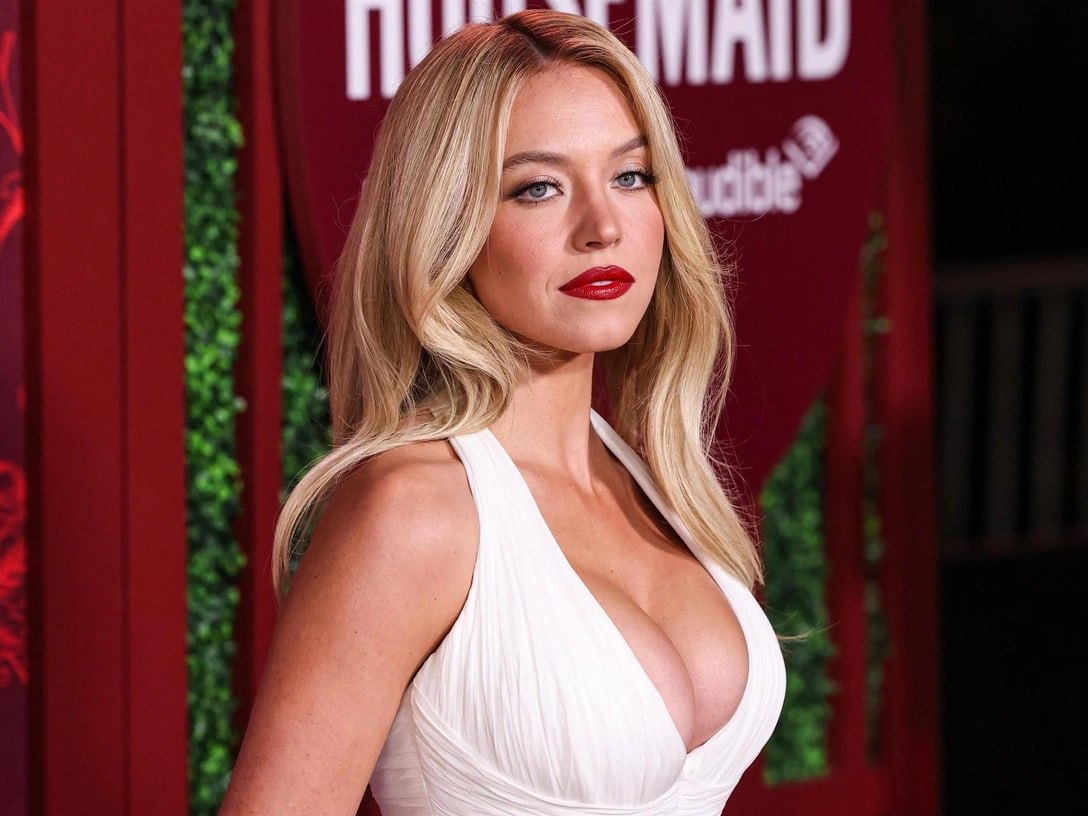

What is Face Swapping (Deepfake) and How to Swap Faces on Photos and Videos
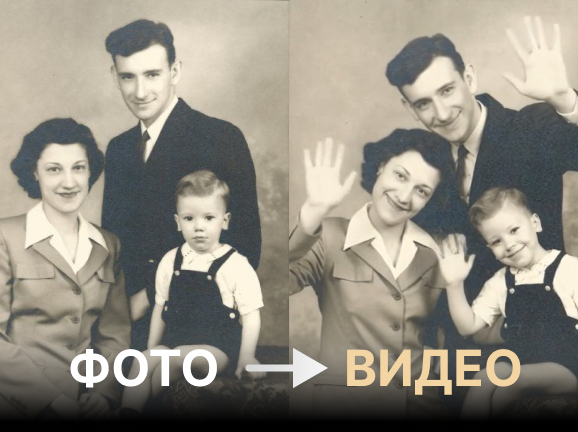
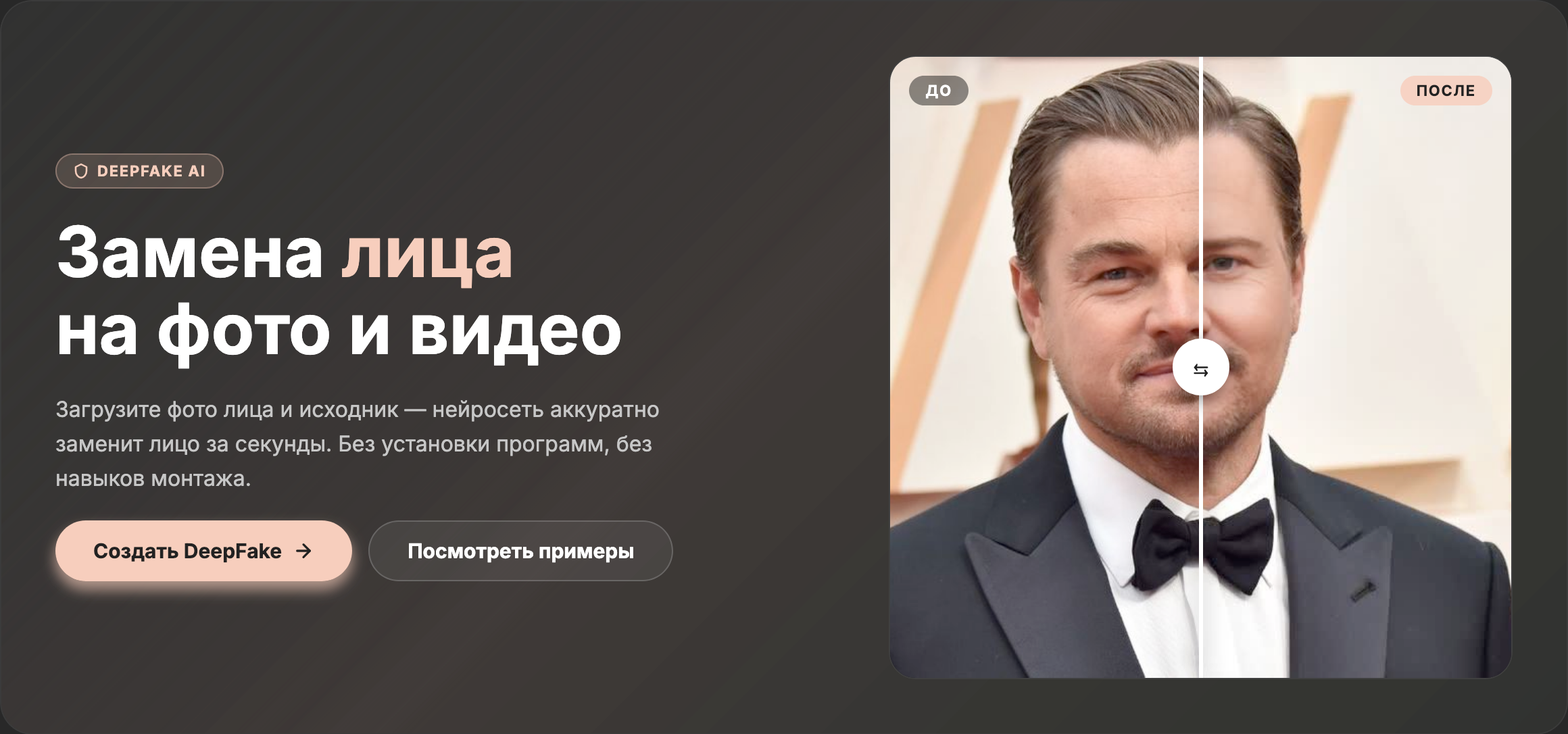
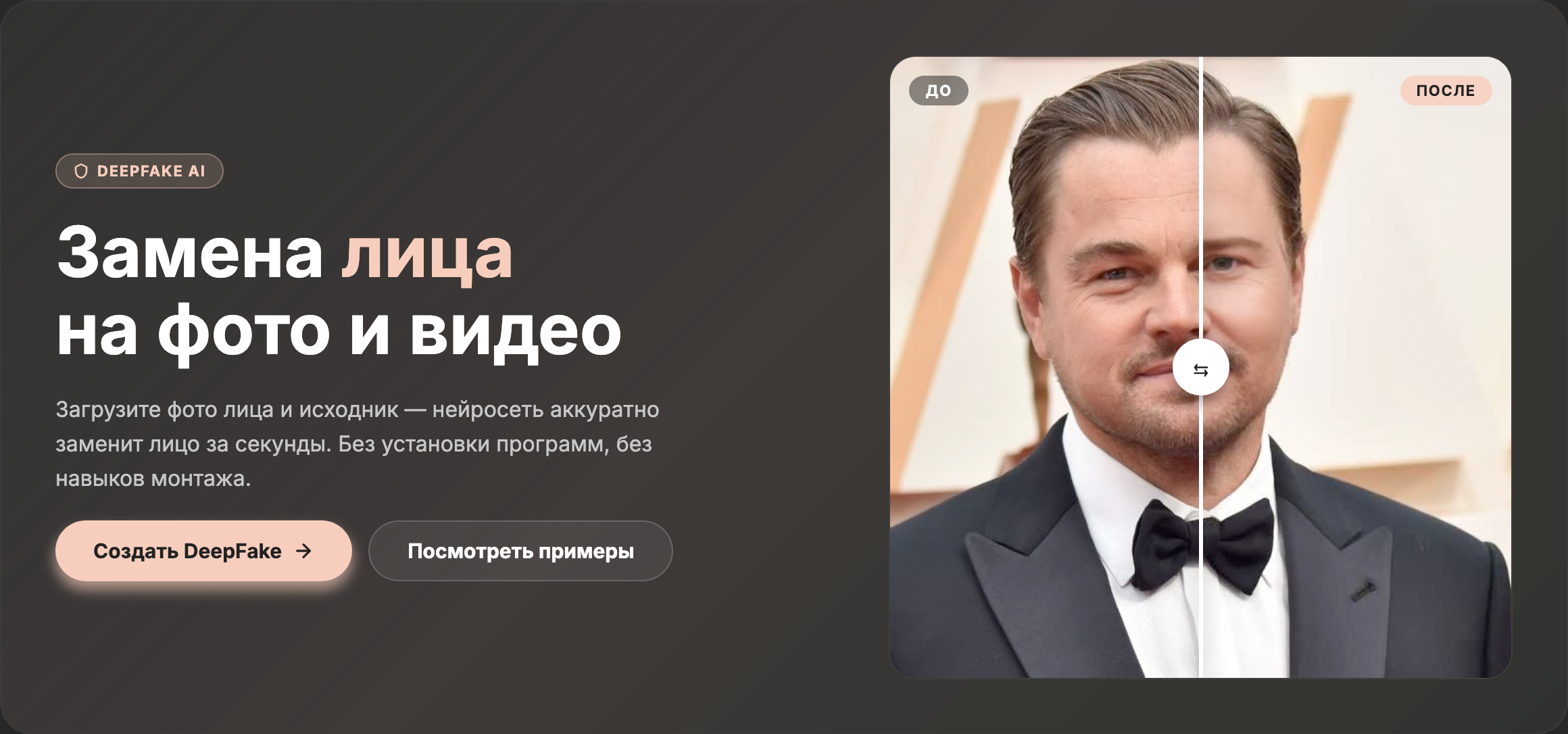
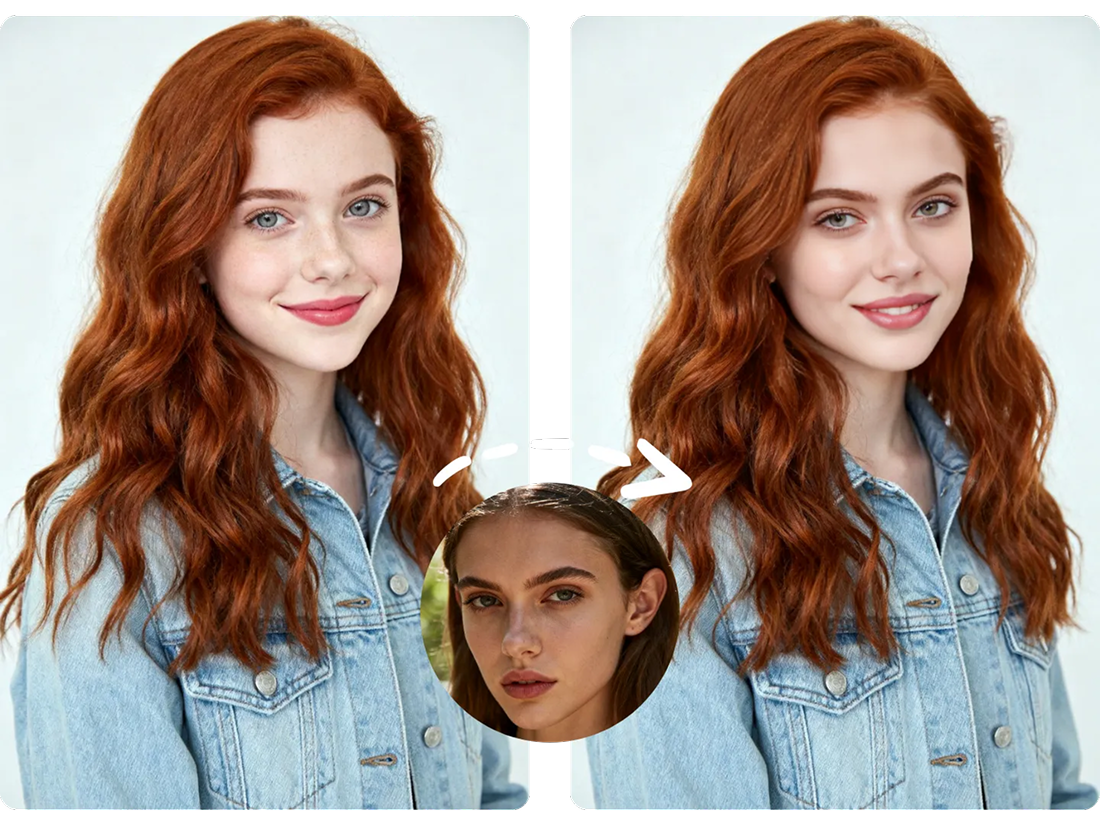
Face swapping technology (Deepfake / Face Swap) uses advanced computer vision and Deep Learning algorithms to swap faces on photos or videos in just a few seconds. The AI automatically scans source frames, identifies key facial landmarks (eyes, nose, lips, jawline), analyzes lighting and head angles, and seamlessly transfers features from one person to another.
A few years ago, creating a realistic deepfake or attempting to replace face in photo required high-end GPUs, specialized software, and hours of manual work. Today, anyone can create a deepfake or perform an online face swap directly in their browser without any technical skills.
How AI Face Swap Works Under the Hood
Modern tools that allow users to change face online rely on Generative Adversarial Networks (GANs), Convolutional Neural Networks (CNNs), and diffusion models.
When you choose to swap faces online, the AI follows a precise process:
- Face Detection & Localization: The model identifies facial boundaries on both images and maps key facial markers.
- Face Alignment & 3D Mapping: The AI generates a 3D mask matching facial expressions, gaze direction, and angles.
- Blending & Feature Transfer: The core step where the AI places the new face onto the target body, matching skin tone, shadows, and overall lighting.
At MindlyFlow, we leverage the optimized template_face_swap model, enabling smooth face replacement and high-precision processing across two main modes:
- Photo Face Swap Online — Instant photo face replacement preserving original resolution, skin texture, and expressions.
- Video Face Swap Online — Frame-by-frame processing ensuring video face swaps remain fluid, realistic, and free of glitching artifacts.
Practical Use Cases: From Entertainment to Business
The ability to put face on photo or generate deepfakes opens up numerous creative and professional opportunities:
- Social Media & Memes: Generate fun viral content and place yourself in iconic movie scenes or trending pop-culture moments.
- Style & Outfit Fitting: Preview different hairstyles, makeup styles, or outfits by putting your face onto fashion editorial shots.
- Marketing & Advertising: Quickly iterate ad creatives for e-commerce brands without scheduling costly photoshoots with models.
- Personalized Greetings: Create fun, memorable video messages for friends and family by placing their faces into famous video clips.
Step-by-Step Guide: How to Replace a Face in Photos or Videos
The entire workflow on MindlyFlow takes less than two minutes:
- Go to the “Face Swap (Deepfake)” section on the MindlyFlow homepage.
- Upload the source image — the face you want to use (supports JPG, PNG, WEBP, HEIC).
- Upload the target photo or video where you want to swap the face.
- Click «Generate» and wait 10–30 seconds for processing.
- Download your high-definition result or copy the share link.
Pro Tip for Best Quality: For seamless AI face swapping online, choose clear source photos with good lighting, sharp focus, and unobstructed faces (avoid dark sunglasses, face masks, or hands covering facial features).