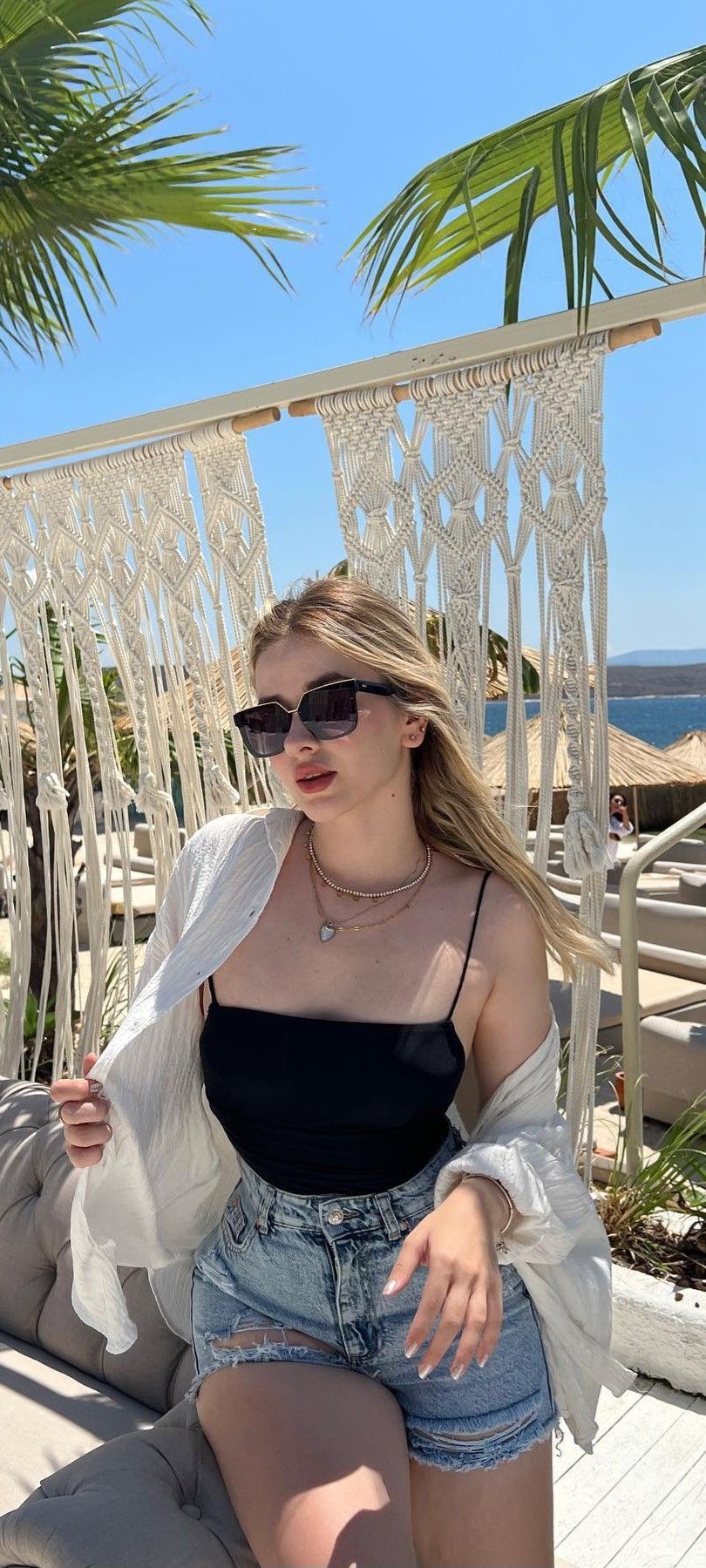
What is Photo Animation and How to Bring Photos to Life with AI
Artificial intelligence technologies are evolving rapidly, and today the ability to animate photo concepts is accessible to everyone. Advanced image to video tools leverage state-of-the-art diffusion models and video generation neural networks to convert any static image into a smooth, realistic video clip.
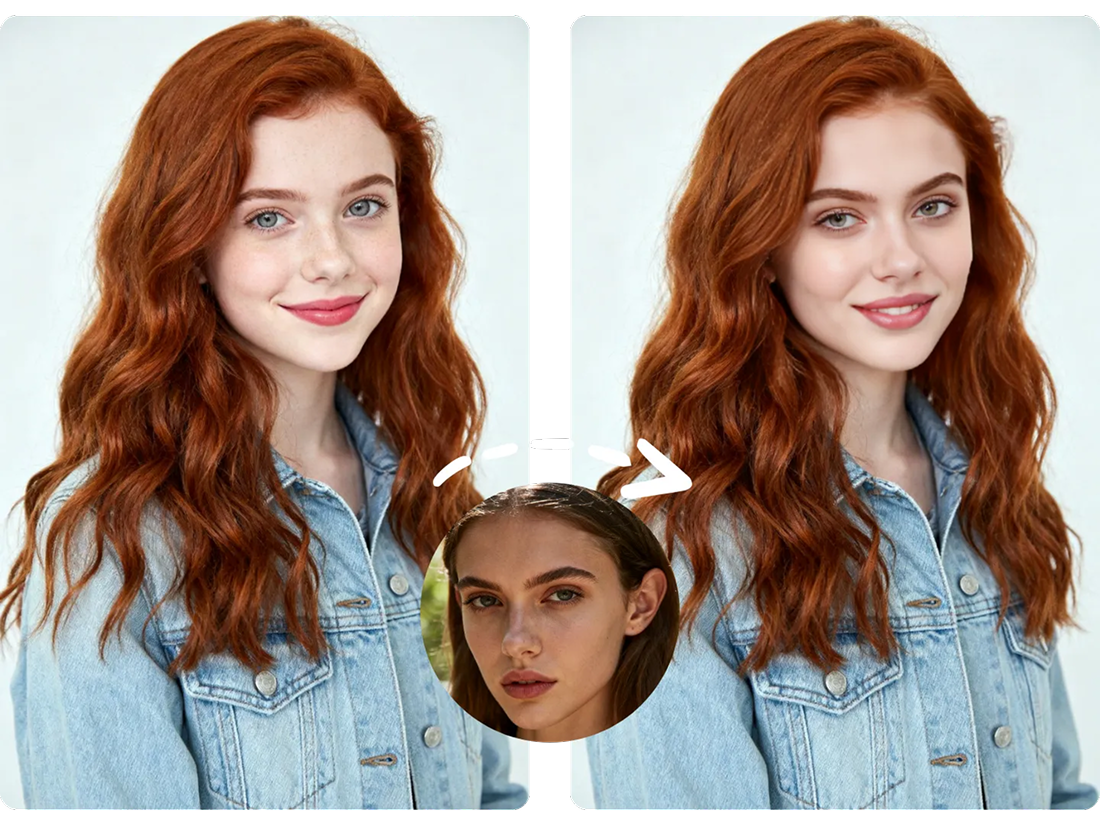
Modern photo animation goes far beyond basic zoom effects or simple filters. The AI thoroughly scans the image structure, recognizing faces, expressions, clothing, and background elements to generate natural movements like hair blowing in the wind, eyes blinking, subtle smiles, or moving clouds. Now you can make photo alive in under a minute directly in your browser.
How AI Photo to Video Works Under the Hood
To animate photo online, the neural network predicts pixel movement trajectories based on millions of video training pairs.
When you launch the ai photo to video generator, the system performs several key steps:
- Segmentation & Scene Analysis: The model identifies foreground subjects (e.g., portraits, characters, or landscapes) and calculates depth.
- Face Animation & Motion Transfer: During face animation, the AI builds a 3D facial rig to animate face on photo realistically while maintaining identity and natural expression.
- Motion Generation & Enhancement: While converting the image, the algorithm can simultaneously help restore old photo details, reducing noise and upscaling resolution.
At MindlyFlow, we run an optimized template_photo_animation pipeline that allows you to easily animate image assets and complete photo to video generation. You can select pre-made movement styles or write custom prompts.
Popular Use Cases: From Heritage Memories to Digital Marketing
Leveraging photo to video tools and photo restoration opens up exciting creative possibilities:
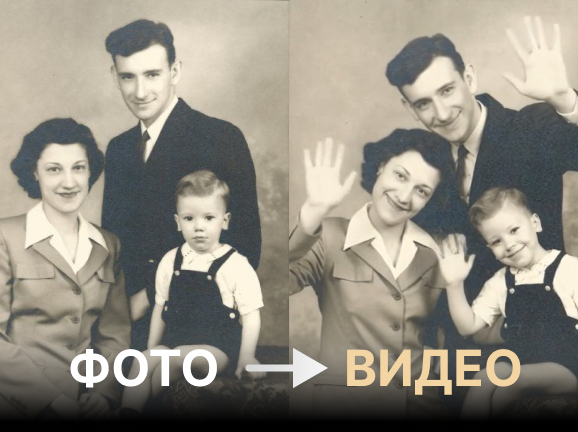
- Animate Old Photo Archives: Bring historic family heirlooms back to life. Seeing grandparents or ancestors smile and move creates a deeply touching emotional experience.
- Social Media Content (Reels, Shorts, TikTok): Easily make video from photo posts to drive higher engagement and grab user attention instantly.
- Art & Character Animation: Digital artists and illustrators can animate image artwork, giving motion to fantasy characters or concept art.
- E-Commerce & Ads: Turn static product photos into motion videos to boost ad click-through rates.
Step-by-Step Guide: How to Animate a Photo Online in 1 Minute
Creating a video from a photo on MindlyFlow is fast and effortless:
- Open the “Photo Animation (Image to Video)” section on the MindlyFlow homepage.
- Upload your source photo — whether it is a modern portrait, artwork, or an attempt to restore old photo memories (supports JPG, PNG, WEBP, HEIC).
- Select a pre-built animation template or enter a prompt describing the movement.
- Click «Generate» and wait 1–3 minutes.
- Download your high-definition video or copy the share link.
Pro Tip for Best Quality: To animate face on photo with maximum fidelity, choose clear source images with good lighting. If working with historical assets, combining photo restoration with animation yields the most impressive results.