
What Is Photo Animation
Photo animation is a technology that turns an ordinary static photo into a short video with natural motion. A neural network analyzes the image content, identifies objects, and generates realistic animation: flowing hair, gentle breathing, light play, swaying foliage.
Just five years ago, this result required weeks of animator work and thousands of dollars in budget. Today, a neural network does it in minutes right in your browser.
How It Works Under the Hood
At its core is a diffusion model trained on millions of “photo → video” pairs. It learned to predict how different objects in a frame should move. A portrait? Hair sways in the wind, eyes blink. A landscape? Clouds drift, water flows. Food? Steam rises.
In MindlyFlow we use an optimized photo animation model that supports two modes:
- Ready-made templates — choose a preset and get a result. Fast and predictable.
- Custom prompt — describe the motion in words, and the model generates custom animation.
Step-by-Step Guide
The entire process takes less than two minutes from upload to finished video:
- Open the “Photo to Video” section on the MindlyFlow homepage
- Upload a photo — supported formats are JPG, PNG, HEIC
- Choose a ready-made animation template or write your own prompt
- Click “Create” and wait 5–10 minutes
- Download the finished video or share the link
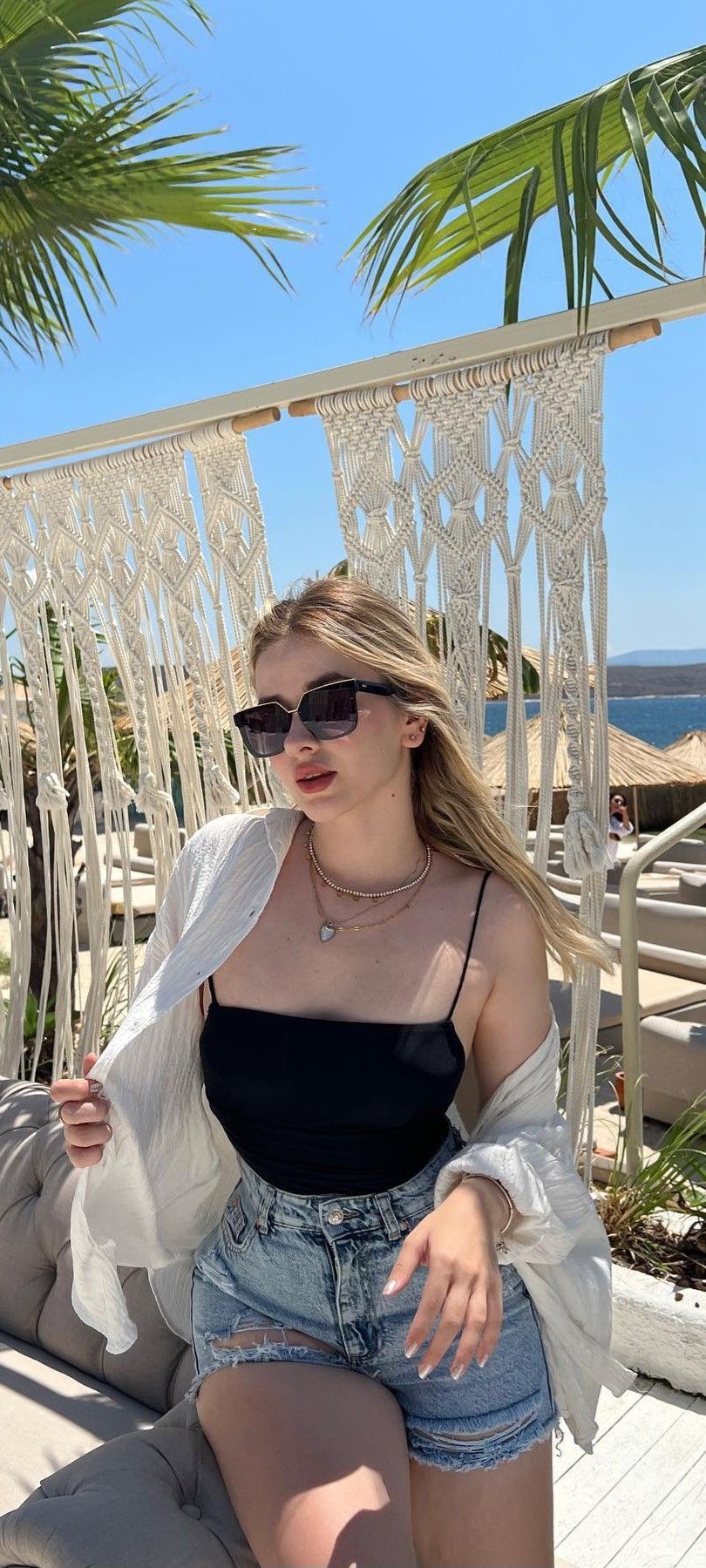
Best results come from portraits with good lighting and a clear face. Try to avoid overexposed or too dark shots — neural networks struggle with such source images.
Which Photos Work Best
Not every shot animates equally well. For an impressive result, pay attention to technical criteria:
- Resolution of at least 1024×1024 pixels — more details mean more believable animation
- Good even lighting — without overexposure and deep shadows
- A clear main subject in focus — face, figure, or object
- Minimal background clutter — simple backgrounds work significantly better than complex ones
- Without heavy retouching — overly photoshopped images appear artificial to the neural network
Advanced Tips: Writing Your Own Prompt
If basic templates aren’t enough, switch to custom prompts. A good prompt describes what moves, how it moves, and in what style.
Here’s an example of a successful English prompt (the model understands English better):
woman with long hair, gentle wind blowing through hair,
soft morning light, cinematic camera movement,
shallow depth of field, 4k quality, subtle motion
Several key phrases that strongly improve the result:
cinematic camera movement— adds smooth camera motionsubtle motion— keeps the neural network from “overdoing” the animationshallow depth of field— simulates professional photography with a blurred backgroundsoft lighting— smooths harsh shadows
Common Beginner Mistakes
Over several months of running the service, we’ve collected statistics on unsuccessful generations. Most problems stem from the same causes:
- Uploading too small images — anything under 512 pixels on the short side produces blurry results
- Using heavily retouched photos — the neural network gets “confused” by unnatural skin textures
- Too generic prompts like “make it beautiful” or “add motion” — the model doesn’t know what exactly you want
- Expecting animation of complex scenes with dozens of objects — it works best on simple compositions
What to Use Photo Animation For
- Social media — animated portraits get many times more views than static photos
- Family archive — surprise your parents with animated versions of old photos
- Blog content — post previews, YouTube covers, Instagram stories
- Gifts — send a loved one an animated photo instead of a regular one
Try It Yourself
Theory is good, but you need to try photo animation with your own hands to understand the scale of possibilities. The first tokens after registration are free, so experiments cost nothing.
Upload any photo, choose a template, and see what happens. There’s a 99% chance you’ll spend the next hour animating your entire gallery — it’s addictive.