
Why an animated avatar
A static profile photo is a given. An animated portrait of you blinking or smiling slightly will instantly stand out in your feed. This works for LinkedIn, Instagram, Telegram channels and even portfolio sites. The main thing is not to overdo it with movement.
Source requirements
An avatar is a small frame, so the quality of the source is critical:
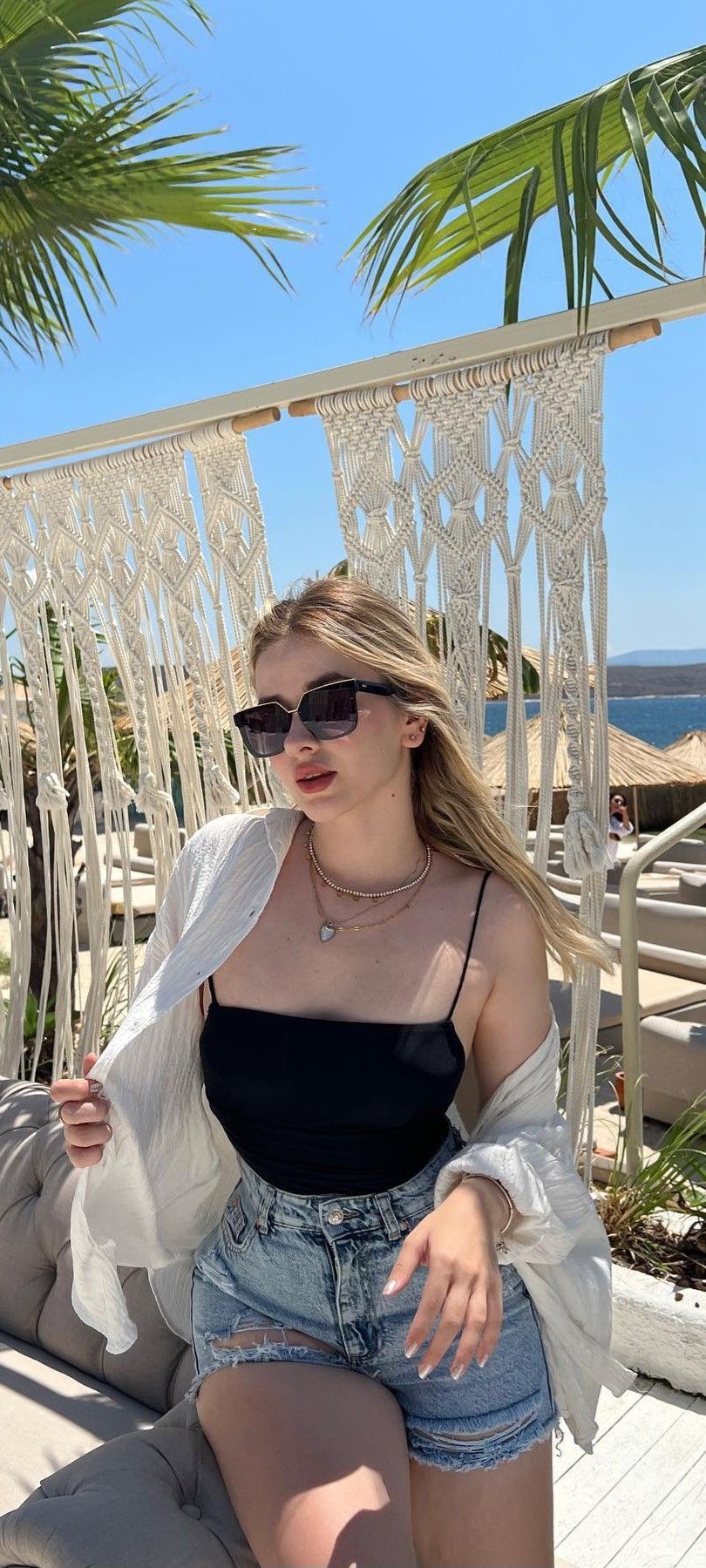
- Portrait from the front or slightly turned - the frontal face is recognizable in any size
- Minimum background - a plain or blurred wall. Complex textures in the background, after being compressed into an avatar, turn into garbage
- Resolution from 1024×1024 - Instagram and Telegram are compressed, start with a margin
- Natural facial expression - without wide open mouth and extreme poses. A neutral smile works best
- Eyes in frame - the neural network focuses on the eyes. Closed or with glasses - more difficult
Stages of creation
1. Photo preparation
Crop the source to a 1:1 square format. Center your face. If the background is noisy, blur it slightly in any editor.
2. Choosing a style in MindlyFlow
Three templates are recommended for avatars:
subtle_portrait- micromovement: light breathing, almost imperceptible. Professional and discreet. Ideal for LinkedIn.gentle_smile- a soft smile, the corners of the lips slightly rise. Friendly, but not intrusive.cinematic_look- adds camera movement and play of light. Artistic effect, good for creative profiles.
3. Post-processing
Once generated in MindlyFlow, download the video and trim it to the desired format:
- Telegram - 640x640, 3 seconds, up to 2 MB
- Instagram Stories — 1080×1920 (orientation is not important, but vertical ones are better)
- Site / LinkedIn - 400×400, GIF or short video possible
Use online converters (eg ezgif.com) to reduce weight and convert to GIF.
Promt for a unique avatar
If you want a custom effect, use a text request. Example for a cool professional style:
professional headshot, subtle breathing motion,
cold studio light, shallow depth of field,
minimal background, 4k quality, slight eye movement
For a warm, friendly style:
warm portrait, gentle smile forming,
soft daylight, subtle hair movement,
natural skin texture, inviting expression
Placement by platform
Telegram
Upload a GIF as your profile photo - it will play when you open your profile. Weight limit is strict, use compression.
The profile avatar does not yet support video, but Stories and Reels do. Use an animated portrait as a background for Stories with text.
Video avatars are not officially supported. Workaround: Upload a short video to the Featured section of your profile. This is visible to everyone who visits the page.
Summary
A live avatar is a simple trick that differentiates your profile from hundreds of static ones. The cost is two tokens in MindlyFlow, the time is five minutes. The effect is that you are noticeable. Try it on your current profile photo: the result will likely replace it forever.