Gets the idea right away
Understands the idea and asks one precise question only when needed.
MindlyFlow
Describe what you want to create. Celestia understands the idea, writes the prompt, picks the format and builds a plan with a price. Tokens are charged only after you press “Create”.
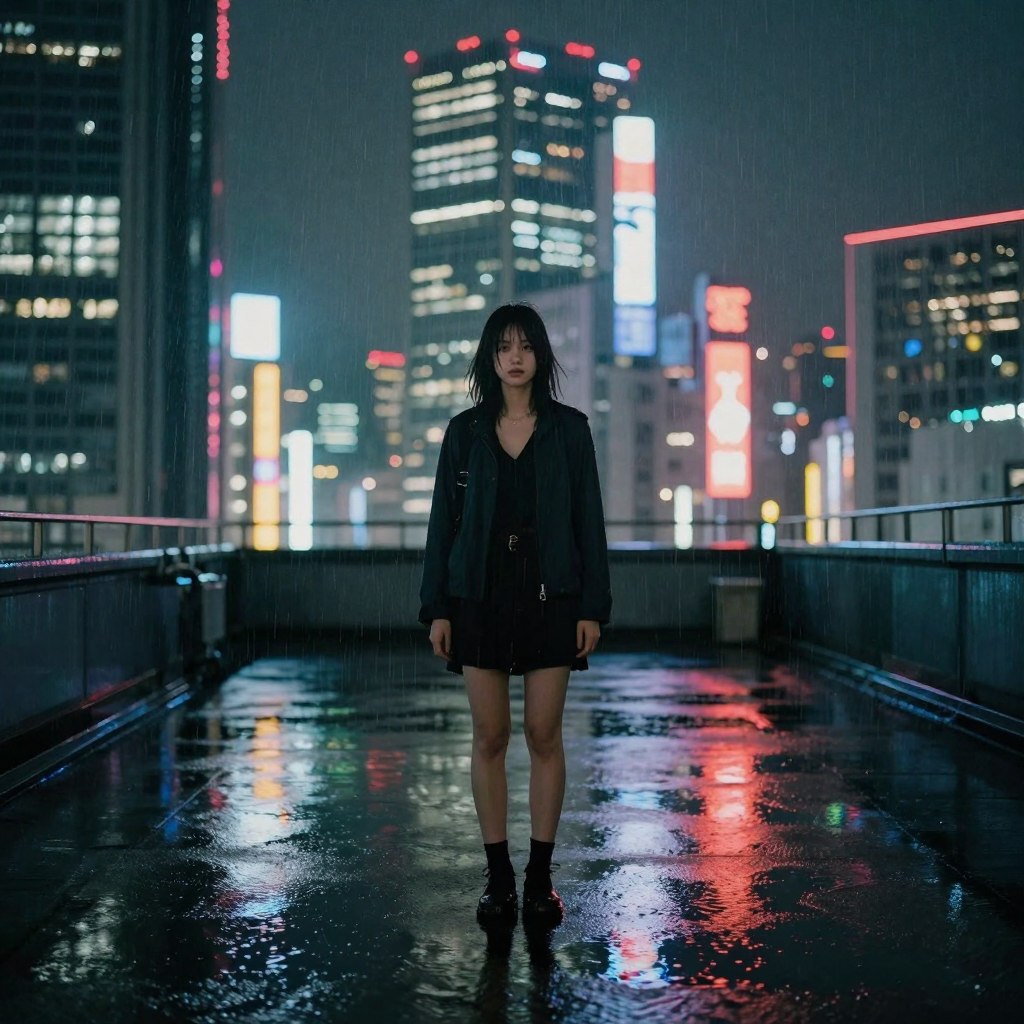
Make a video: a rainy night city, neon reflected in puddles, the camera drifts slowly over the street
Here is the plan: 16:9, 5 seconds, neon reflections and rain sound. Check the settings and press “Create”.
She takes an idea to a ready plan: from the first message to the “Create” button.
Understands the idea and asks one precise question only when needed.
Describes style, light, camera and sound — with no generic filler.
Uses chat frames, including the first one, as a reference.
Model, format and cost — before any tokens are charged.
Four scenarios: the dialogue, the plan with a price, and the finished piece. Any of them can be repeated in the chat.
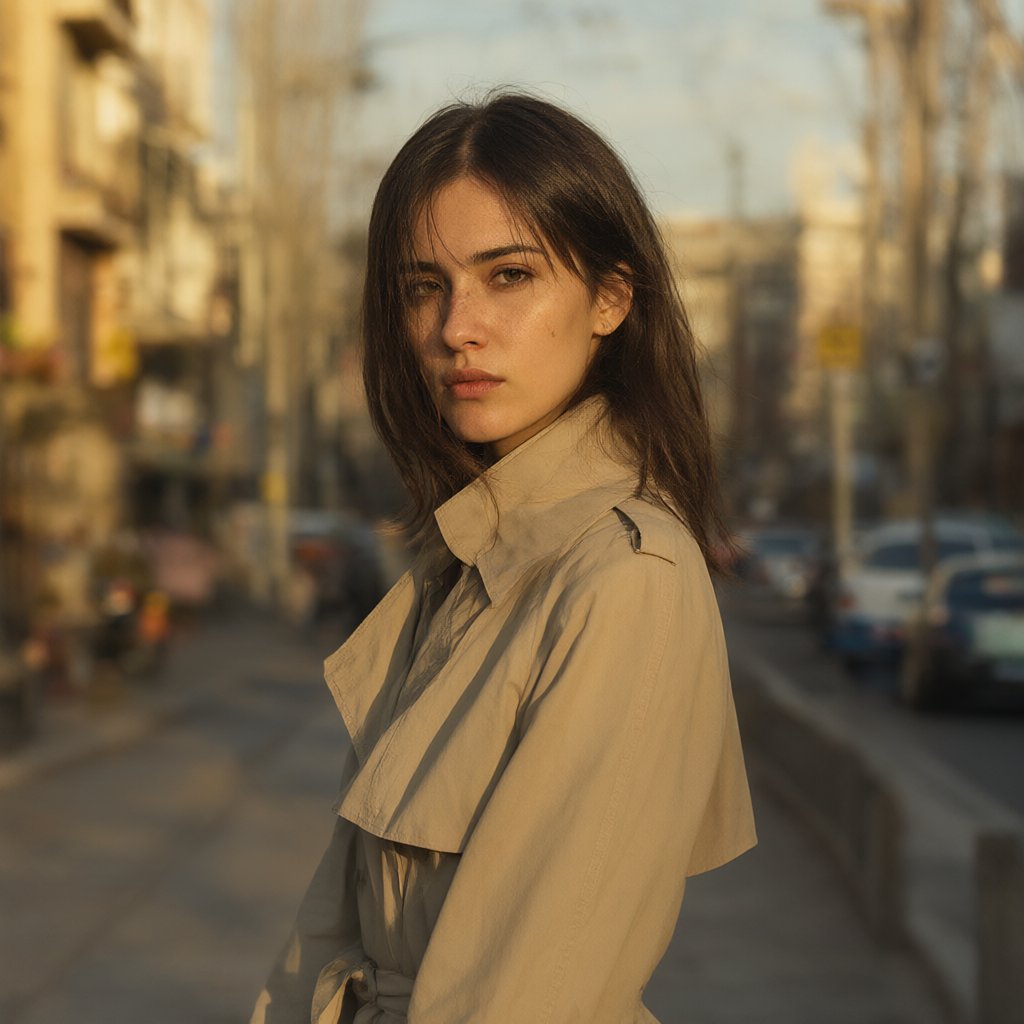
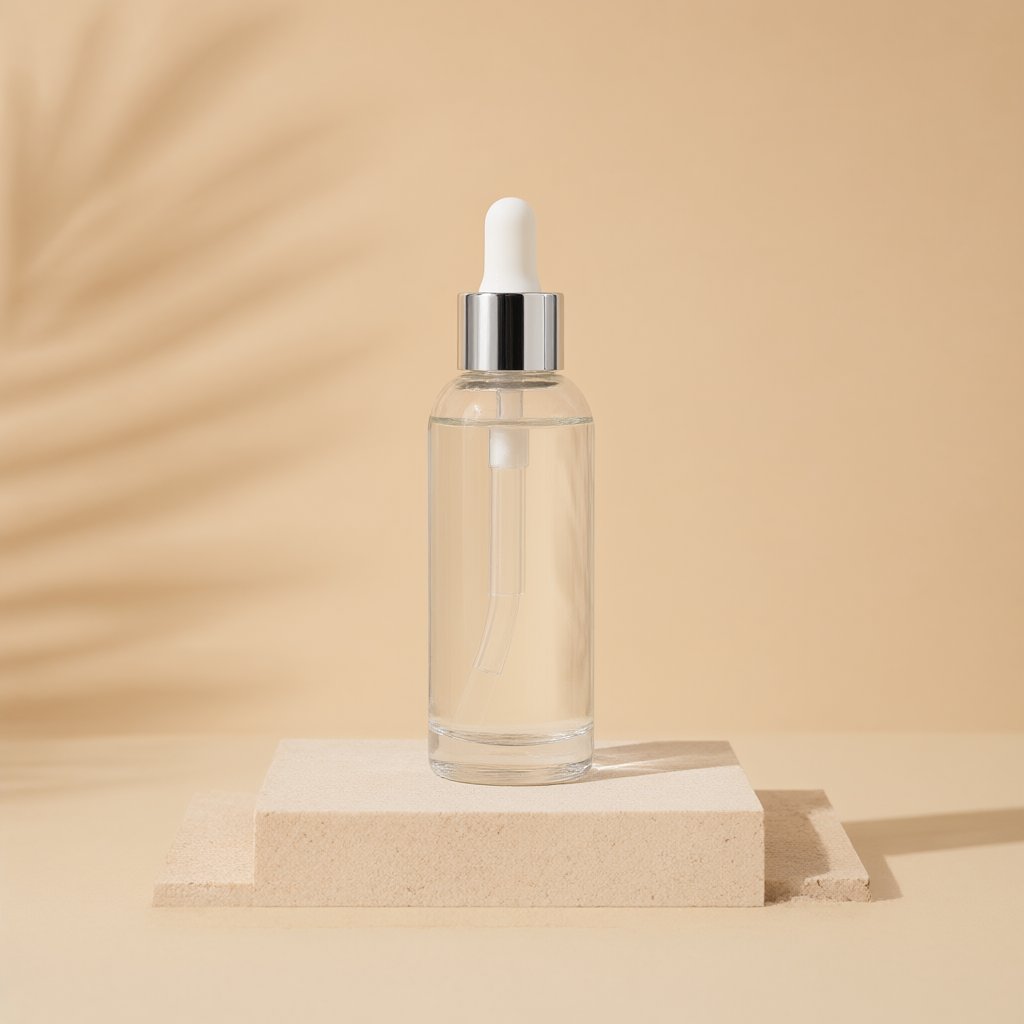
A portrait in a coffee shop: warm evening light, 85 mm, soft bokeh
Here is the plan: a 1:1 frame, FullHD. I added light, lens and interior details.
Prompt Photoreal, a portrait in a coffee shop, warm evening light, 85 mm, soft bokeh
I can make 2–4 variants of the frame — each is paid separately.
Tokens are charged only after you launch
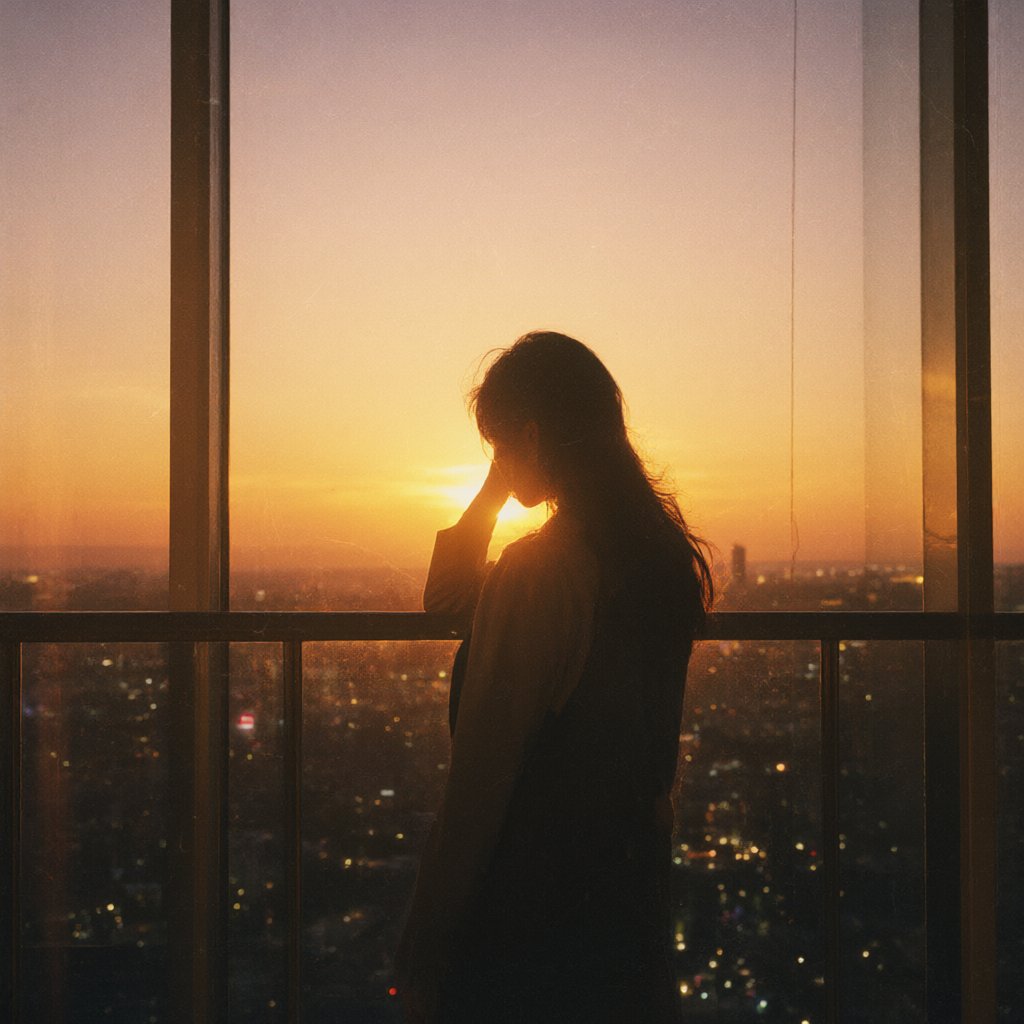
A boat rocks on the waves at sunset, the camera slowly pushes in
The plan is ready: a 16:9 video, 5 seconds, with waves and wind sound.
Prompt Photoreal, a boat rocks on the waves at sunset, the camera slowly pushes in, waves and wind
Tell me if you need another format or duration — I will rebuild the plan.
Tokens are charged only after you launch
A warm pop song about people who stay by your side, female vocals, 112 BPM
Here is the plan: pop, female vocals, six sections. Check the settings.
Prompt Warm pop song about people who stay, female vocal, 112 BPM, six sections
I can change the genre, mood or add vocals — the plan will update.
Tokens are charged only after you launch
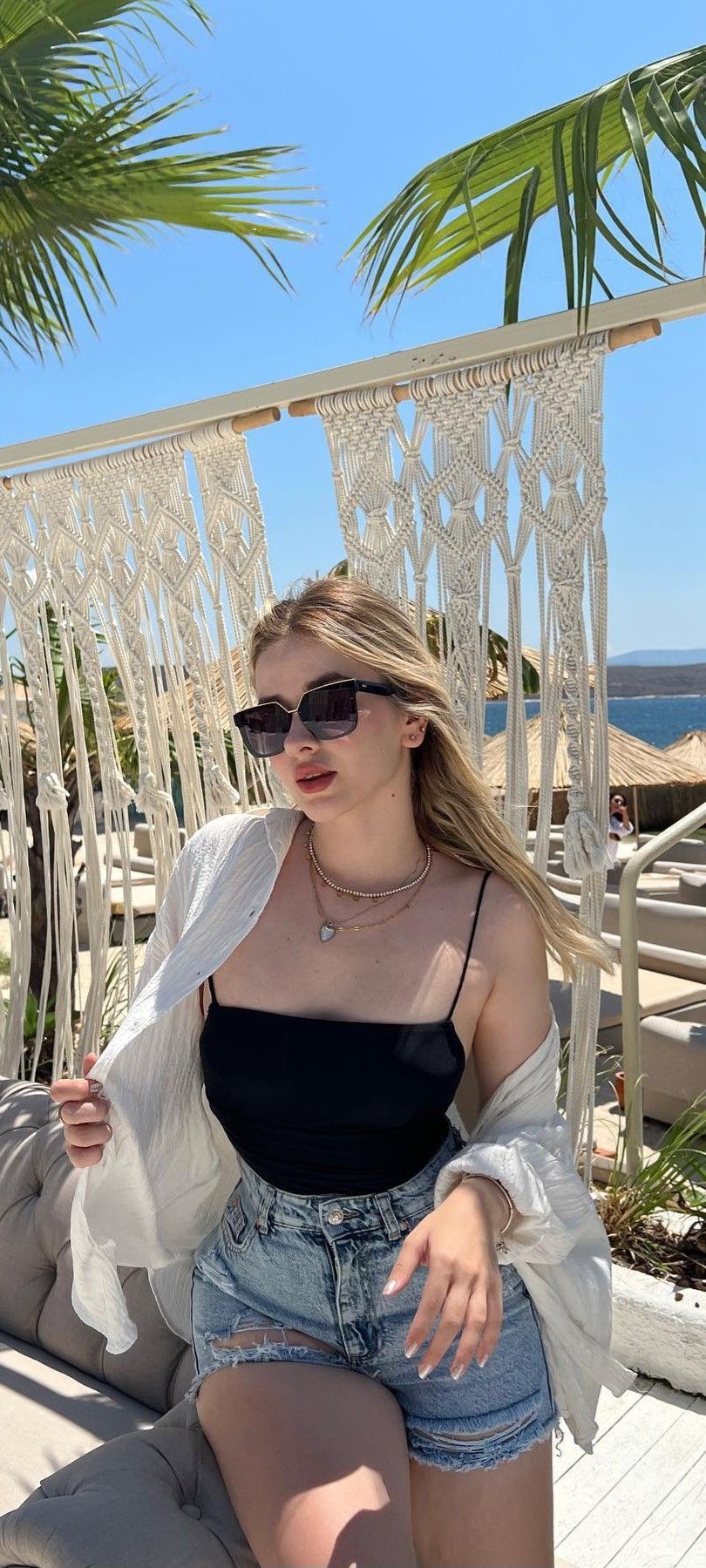 photo
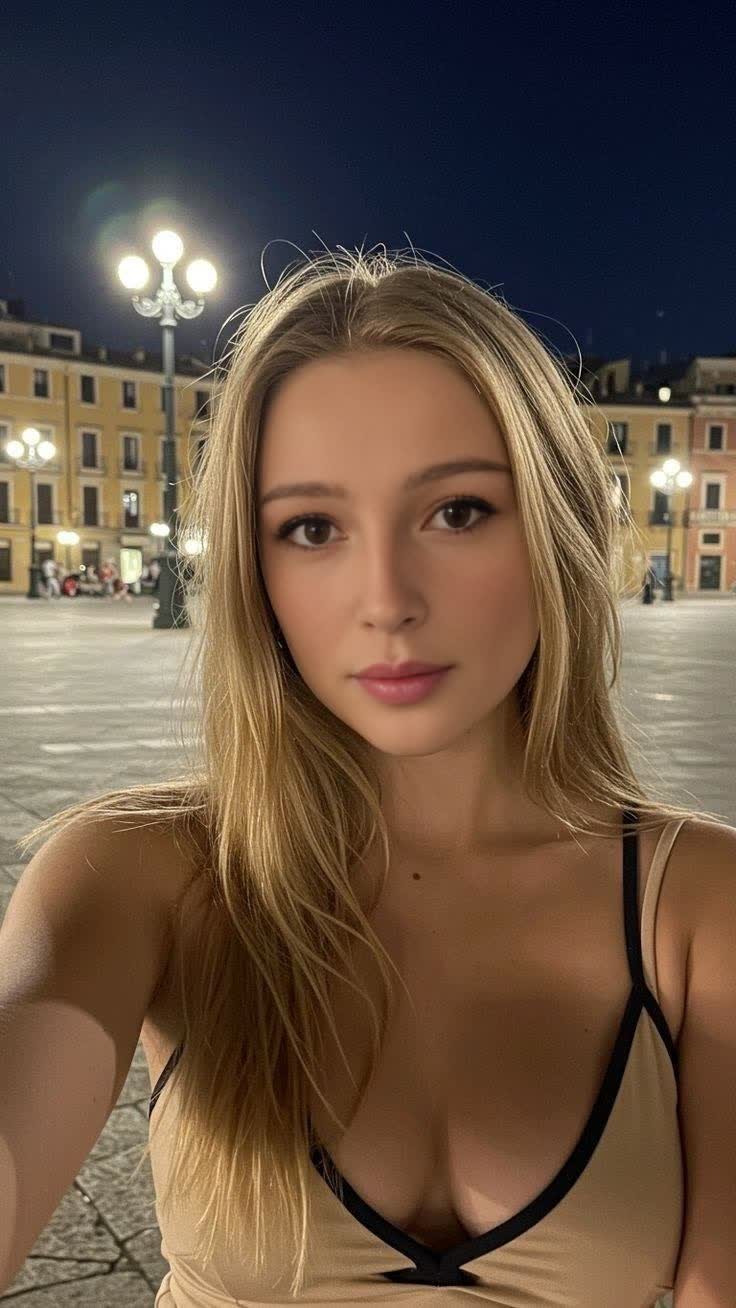
Animate this photo: a light breeze in the hair, a smile, the camera slowly pushes in
photo
Animate this photo: a light breeze in the hair, a smile, the camera slowly pushes in
I will use the chat frame as the source and build a 5-second animation.
Prompt Animate the source frame: a light breeze in the hair, a smile, the camera slowly pushes in
You can pick another chat frame or describe the motion differently.
Tokens are charged only after you launch
The example results were made in MindlyFlow. The plan and price depend on your settings.
Celestia knows which tool you need and builds a plan for the task. Prices come from the live price list.
A frame from a description: light, lens, details
A clip with sound: 4–15 seconds
Motion and expression for a finished frame
A song or instrumental from an idea
Change a finished frame from a description
Face Swap on Photos and Videos
You describe the idea — she adds what shapes the result: composition, light, camera movement and sound.
Photoreal, a medium shot, a boat drifts across a lake at sunrise, the camera slowly pushes in, mist over the water, warm rim light, water lapping and morning birds.
Not “a beautiful shot”, but “mist over a lake, 85 mm, soft rim light”.
For video: what happens in the frame, how the camera moves and what you hear.
If the scene has several actions, use shots with timecodes, like in film.
Photos and videos use English, music uses your language. Celestia translates for you.
Celestia sees the frames in the chat: edit the latest one, use the first as a face reference, or build a series with the same character.
1
 2
2
 3
3
 4
chat frames
4
chat frames
Use the first frame for the face and the second for the light, make a 9:16 video, 6 seconds
Got it: reference 1 is the character, reference 2 is the light. The plan: a 9:16 video, 6 seconds.
Celestia handles the prompt and settings, while the launch decision stays with you.
One sentence or a ready prompt — Celestia asks for details only when needed.
Format, duration, references and cost are all visible before launch.
Tokens are charged only after confirmation. The result appears in the chat and in “My files”.
When describing an idea is easier than figuring out tools and prompts.
Celestia suggests a tool and builds your first plan.
Turns “I want it beautiful” into a concrete prompt with light and lens.
Builds a character sheet and new angles from your photo.
Writes shots with timecodes and camera movement.
Replaces the background, adds rain or changes the light from a description.
Comes up with the idea, lyrics and mood of the track — with or without vocals.
Ideas, scripts and frames for Reels, Shorts and posts.
Shows the scope, format and price before launch — easy to approve.
Open the chat and describe what you want to create. The first plan with a price will appear in seconds.
She is MindlyFlow's AI assistant. She helps shape an idea, write a prompt, pick a tool and build a generation plan with a price.
Yes, chat messages don't use tokens. Tokens are only needed to start a generation, and the price is always shown in the plan before confirmation.
She knows MindlyFlow's tools and prices, sees the images in the chat and builds a ready plan: mode, prompt, settings and cost. Nothing starts without your confirmation.
Yes. Upload a JPG, PNG or WebP — Celestia will use it as a reference for editing, animation or video.
Chat history is stored in your account. In the current conversation she remembers the context and images, and there is a “Celestia's memory” note for lasting preferences.
No. She builds the plan and shows the price, and you confirm the launch with the “Create” button. Tokens are never charged without your consent.
Photos, videos, animation, music and photo editing. For Deepfake she helps with the idea and prompt, while the launch stays in a separate mode.
Tokens are refunded automatically. Talking to Celestia does not spend tokens — they are only needed to launch a generation.
Celestia is an AI assistant inside MindlyFlow. She understands an idea in Russian or English, helps with the prompt and builds a plan: tool, format, duration and price. She is not a separate model, but a guide to the service tools.
A request becomes a structured prompt: subject, scene, light, camera and sound. For video, Celestia can write shots with timecodes. The plan shows the cost before launch, and tokens are charged only after you confirm.
Beginners — so they do not have to learn prompts and settings. Authors and marketers — to get series of frames, clips and music quickly. Designers and production teams — to check the idea and the price before launch.