Describe the image
The more specific the description, the more accurate the result. You can write in Russian — the AI will understand and improve the prompt.
MindlyFlow
Describe what you want to see — MindlyFlow generates a photorealistic image in ~30 seconds. No camera, studio or editing.
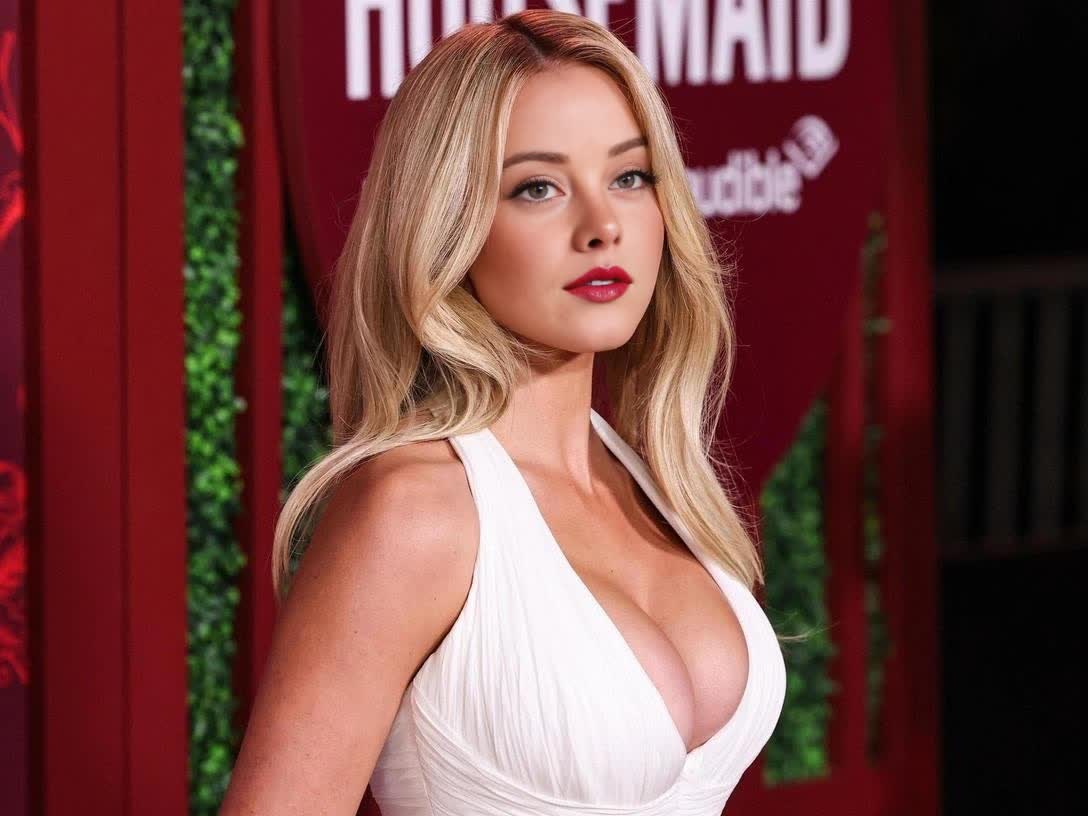
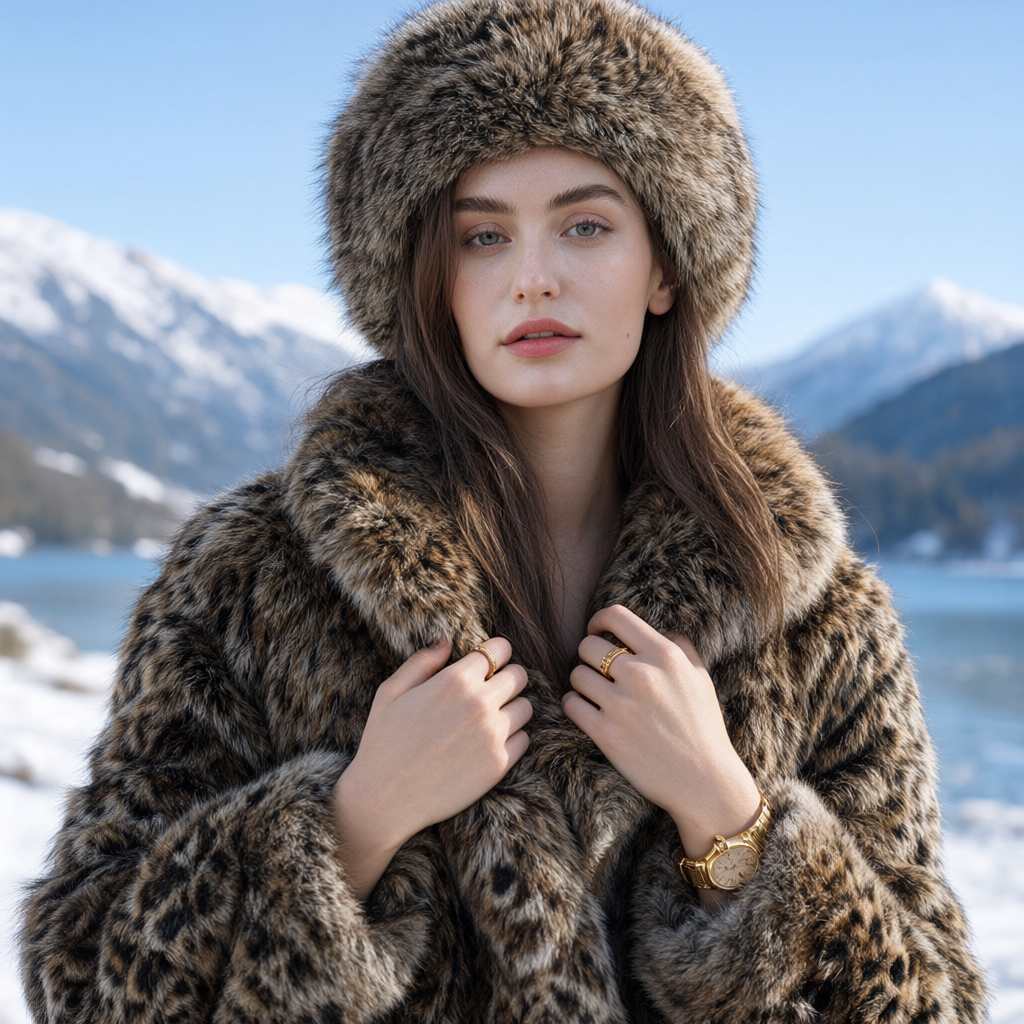
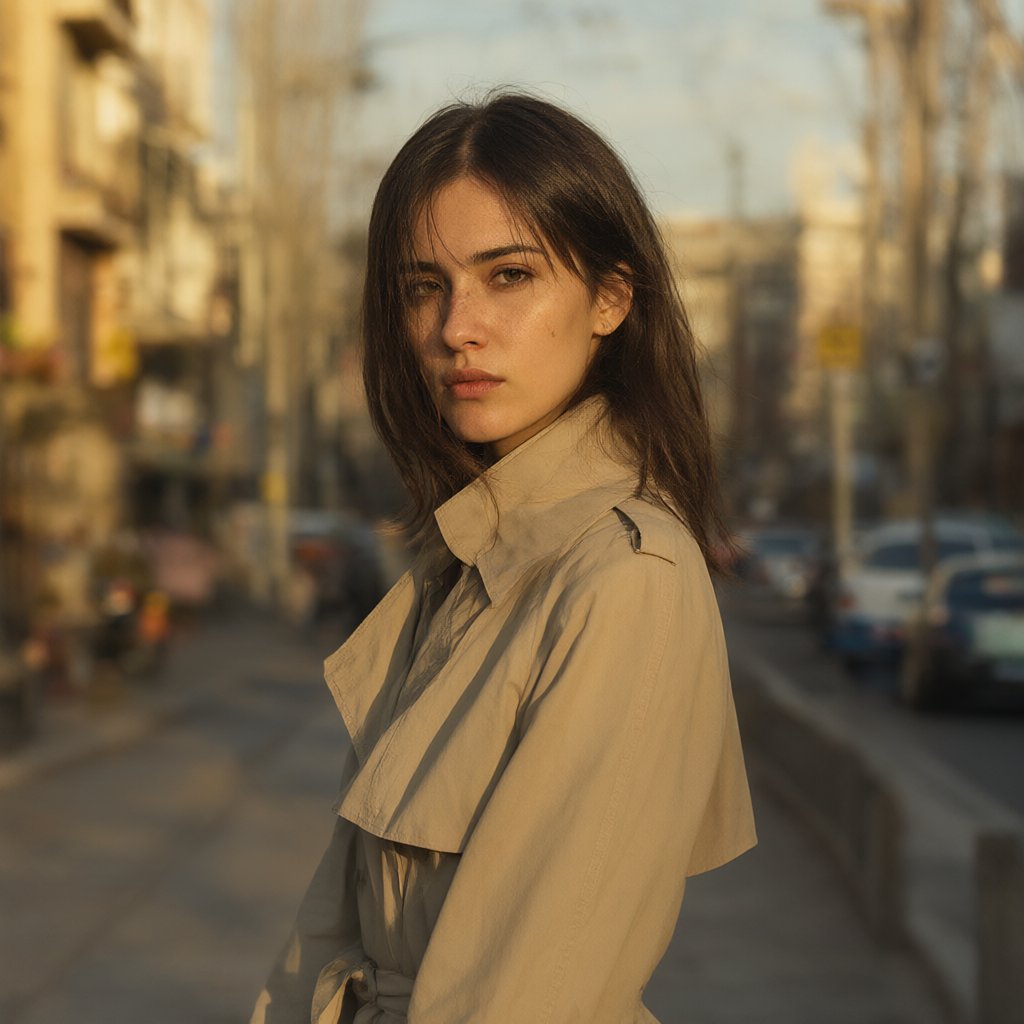
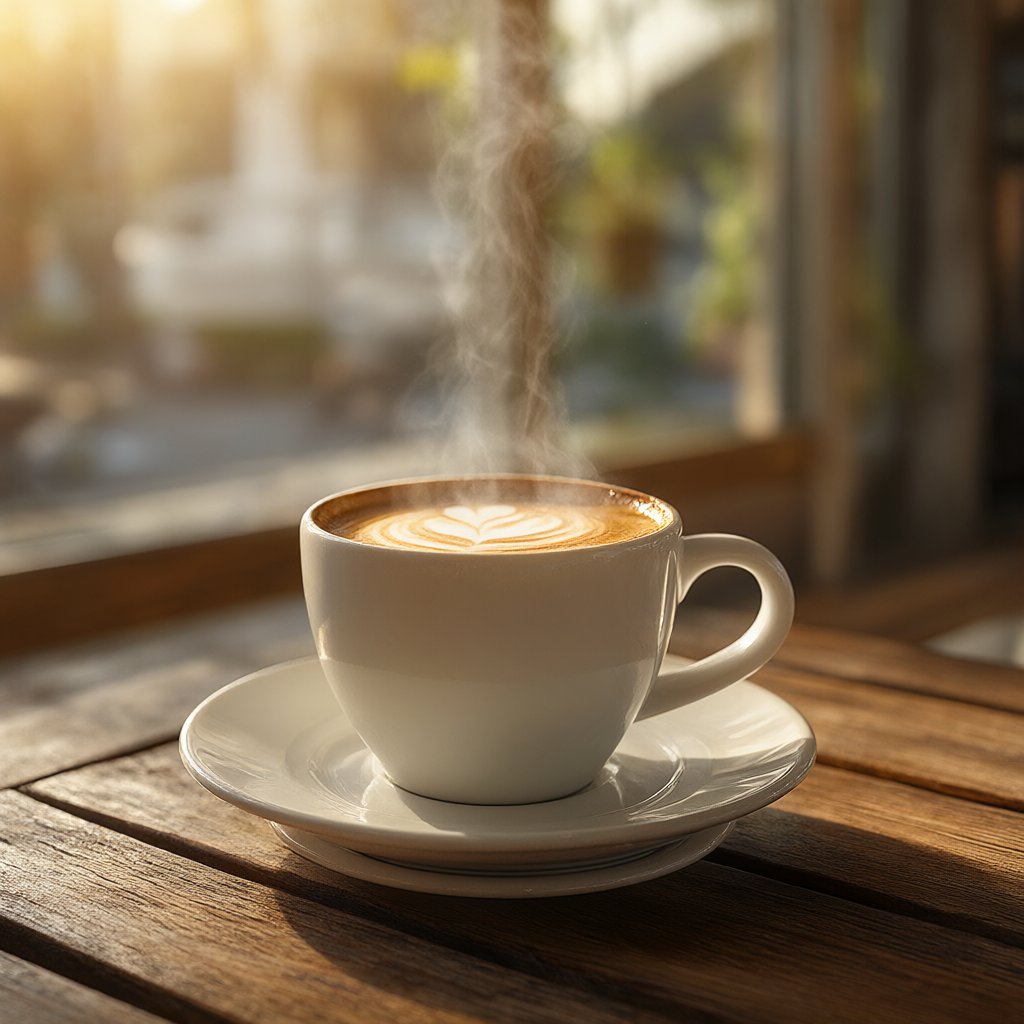
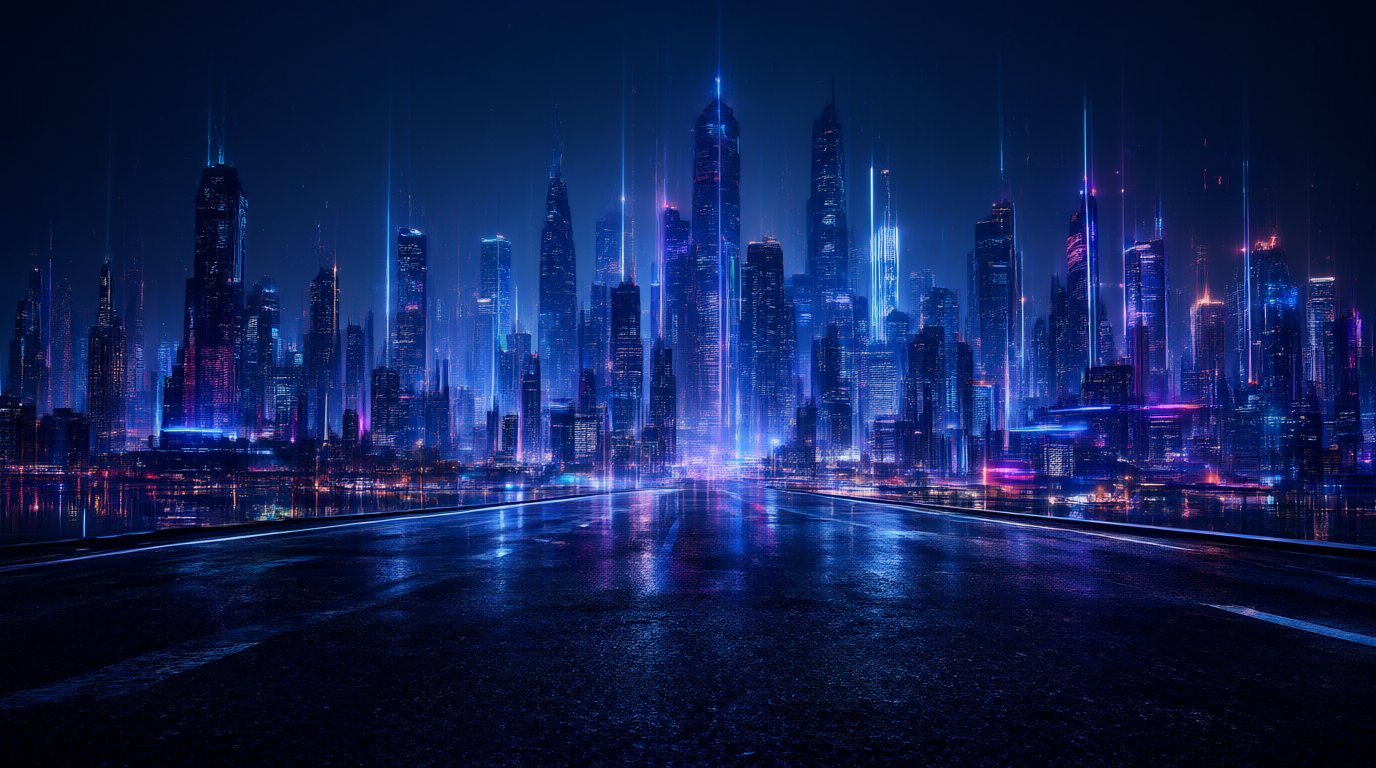
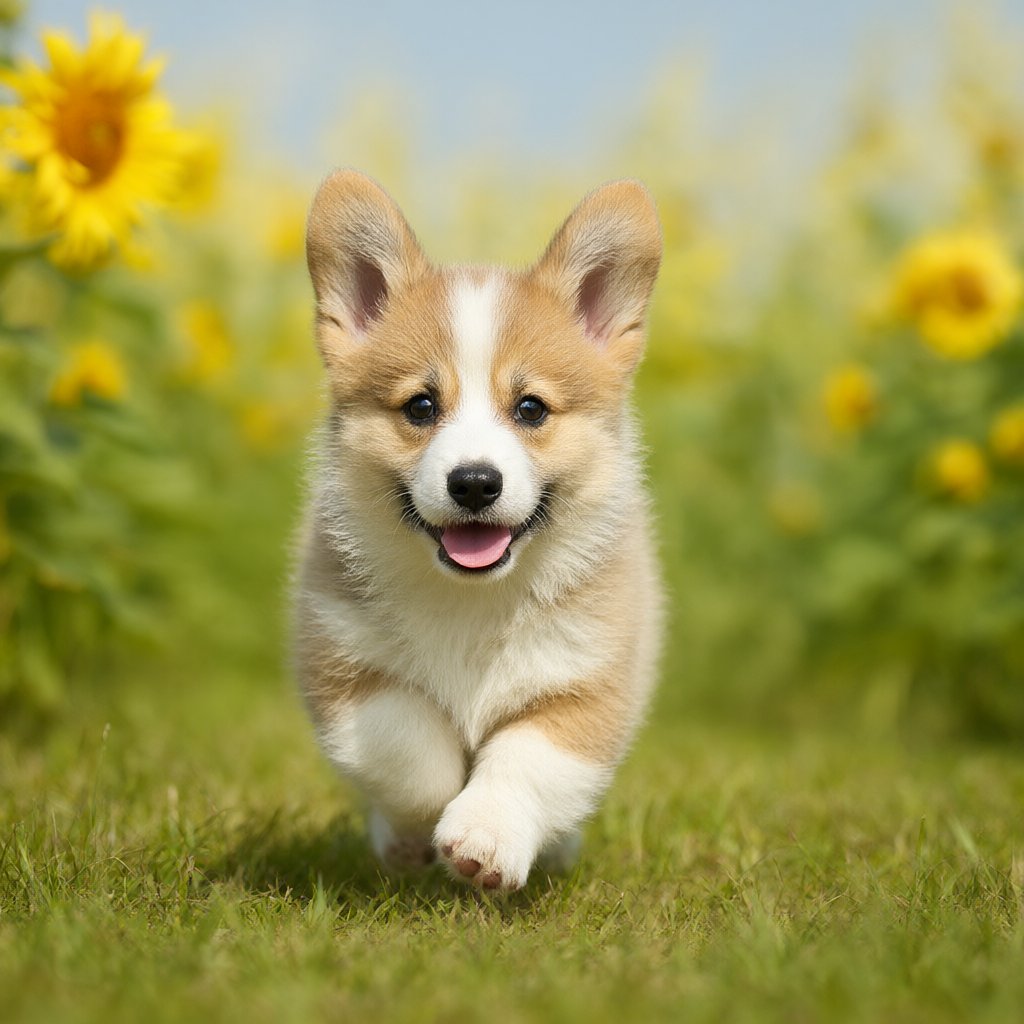
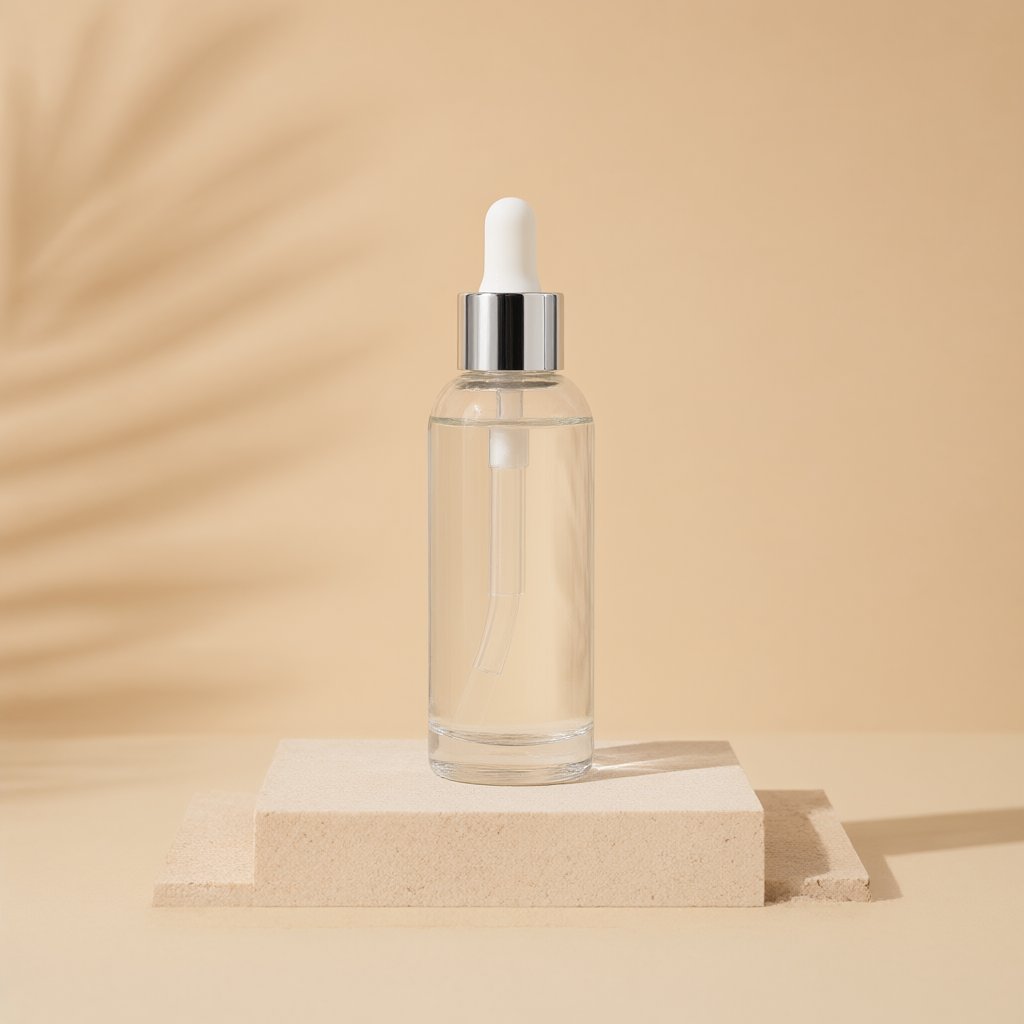
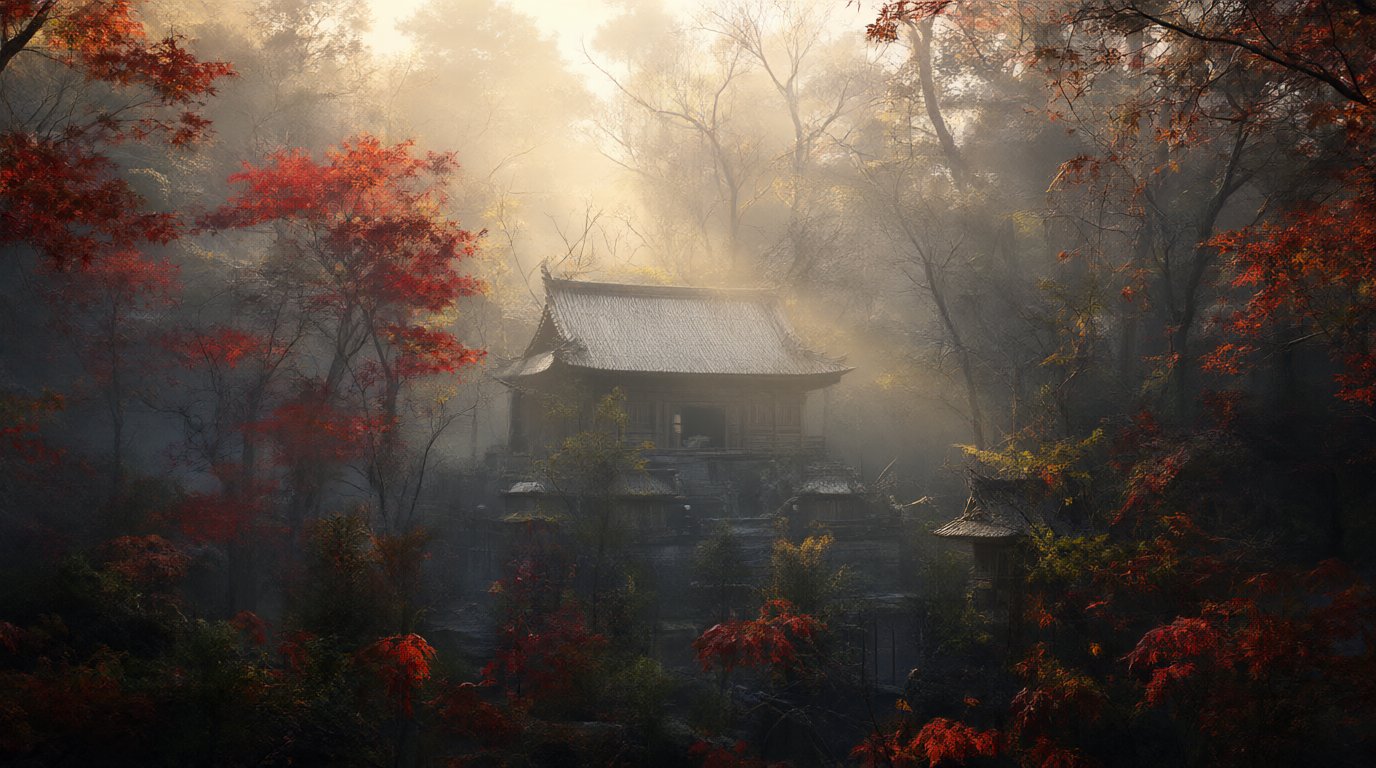
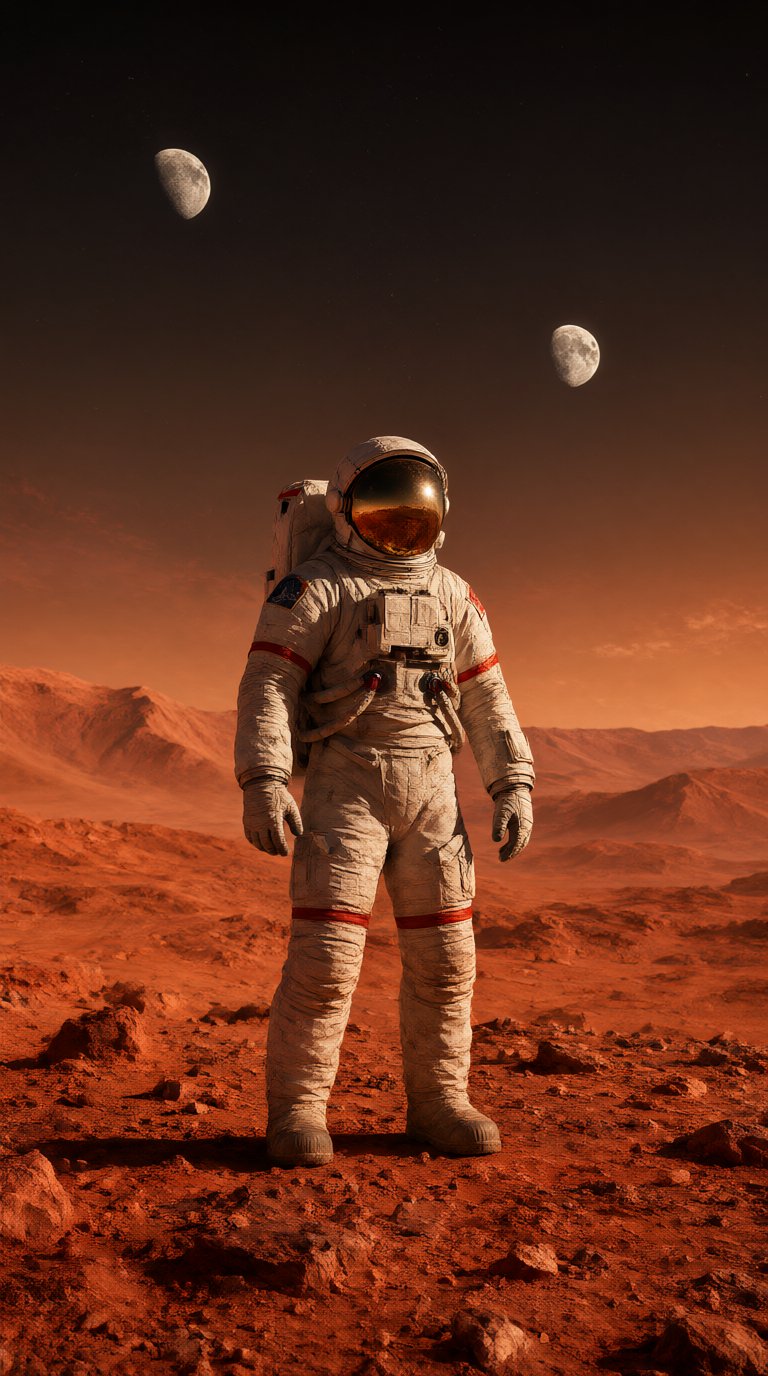
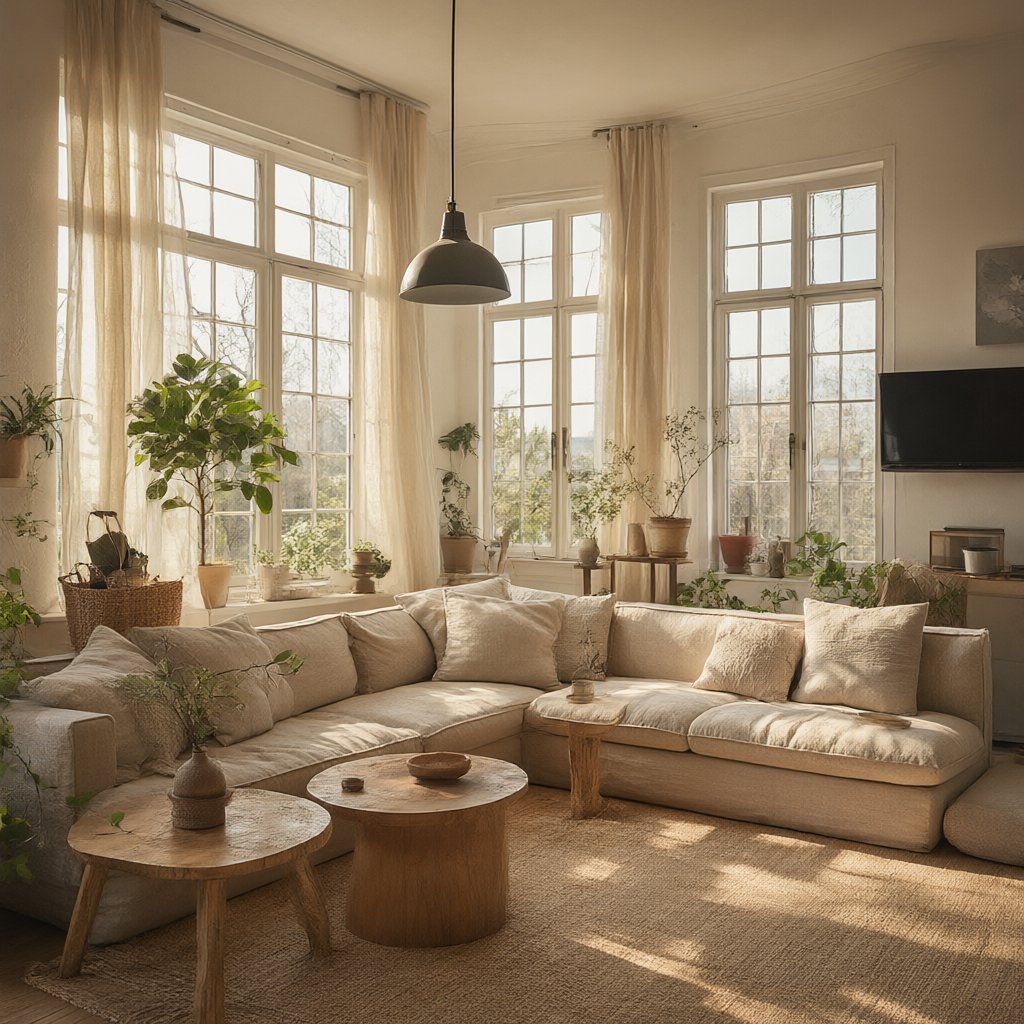
All images were created in MindlyFlow from text descriptions — no photoshoot or editing. Click a card to reuse the prompt.
The AI understands plain Russian phrases. To get a more accurate result, add details: style, light, angle and quality.
A cat in a space helmet, soft studio light, photorealism, 8K, close-up, 85mm, detailed fur
The more specific the description, the more accurate the result. You can write in Russian — the AI will understand and improve the prompt.
Five aspect ratios and resolution up to 4K. If needed, add up to five of your photos as references.
The image is ready in ~30 seconds. Tokens are charged only for a successful generation and returned on an error.
Upload up to five images: the AI uses them as a reference for the character, style or composition and creates a new photo from your description.
From product cards to art and covers — any image you can describe in words.
Product cards, packaging and ad banners without a photo studio.
Stylish portraits for social media and messengers.
High-resolution art — for print or screen.
Dozens of visuals for campaigns and A/B tests.
Illustrations for articles, videos and podcasts.
Visualisations of rooms, houses and landscapes.
Characters, worlds and concepts for games and books.
Clear diagrams, slides and study materials.
The Qwen Image 2.1 model renders natural light, textures and details — with no plastic look.
Signs, lettering and logos come out readable — a rarity for AI models.
The character, style or composition from your photos — the AI combines them in a new shot.
Write the prompt in Russian: the LLM will translate and expand it for a better result.
All neural networks run in your browser — nothing to install. New models every week.
Photo Animation with AI
from 10 tokensFace Swap on Photos and Videos
Trends for social media
Image Generation from Description
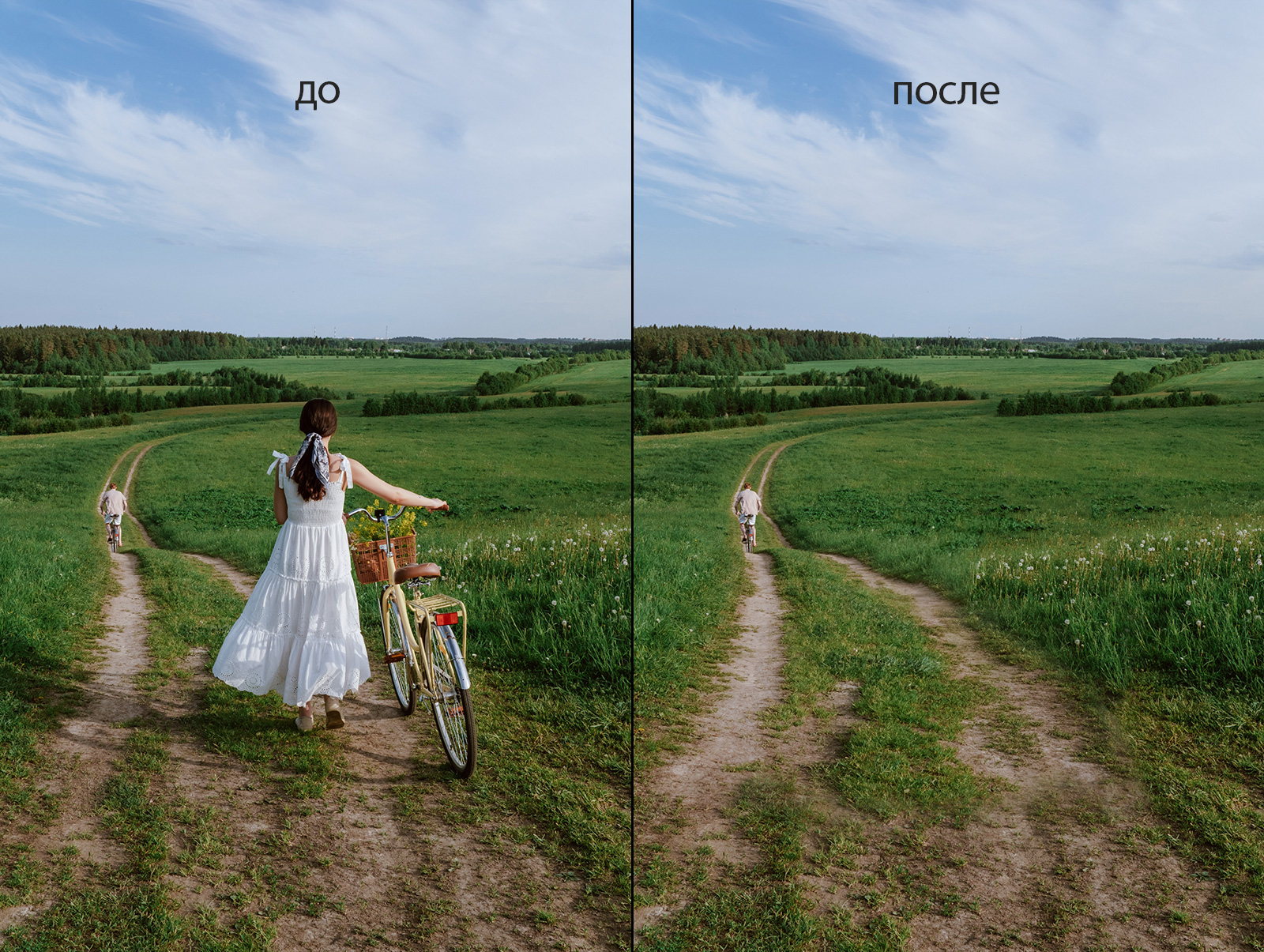
Edit a photo from a description
Video Generation from Description
Songs from a prompt
Pay in tokens for each generation. Starter tokens are a gift on sign-up.
Sign up and get starter tokens. Enough for your first images — no payment.
Enter a description in the editor, choose the aspect ratio and resolution, then hit Start. The finished image appears in your account, and tokens are charged only for a successful generation.
Basic generation is from 2 tokens in Full HD. 2K multiplies the price by 1.5, 4K by 2. Each uploaded reference adds 1 token.
Yes, you can attach up to five images to your prompt. The AI uses them as a reference for the character, style or composition and creates a new image from your description.
Images are created in Full HD, 2K or 4K. Available aspect ratios: 1:1, 16:9, 9:16, 4:3, 3:4 and an automatic format based on the first reference.
The Qwen Image 2.1 model is used: it renders natural light and the textures of skin and materials, and can also draw readable text on an image.
Yes. All created images can be used for personal and commercial purposes — for social media, websites, ads and product cards.
Tokens are charged when you start and are automatically refunded if generation fails. You only pay for a finished result.
Describe what you want to see — the AI creates a photorealistic image in ~30 seconds. No need to draw, master settings or browse stock photo sites.
Photorealism, cinema, illustration, 3D and art. Aspect ratios 1:1, 16:9, 9:16, 4:3, 3:4 and resolution up to 4K — for social media, print and ads.
Upload up to five of your photos as references and write prompts in Russian — the model will understand and improve the description. Pay in tokens, only for a successful result.