 Photo
Photo
Bring your photos to life —
turn them into videos
Upload a snapshot — MindlyFlow adds motion, facial expressions and emotions, turning it into a living video
- Ready-made Templates for Any Style
- Realistic Animation with AI
- Custom Prompt or Template — Your Choice
One frame — many motions
Switch the effects — see what the neural network does with an ordinary photo
We bring photos to life —
down to facial expressions and breathing
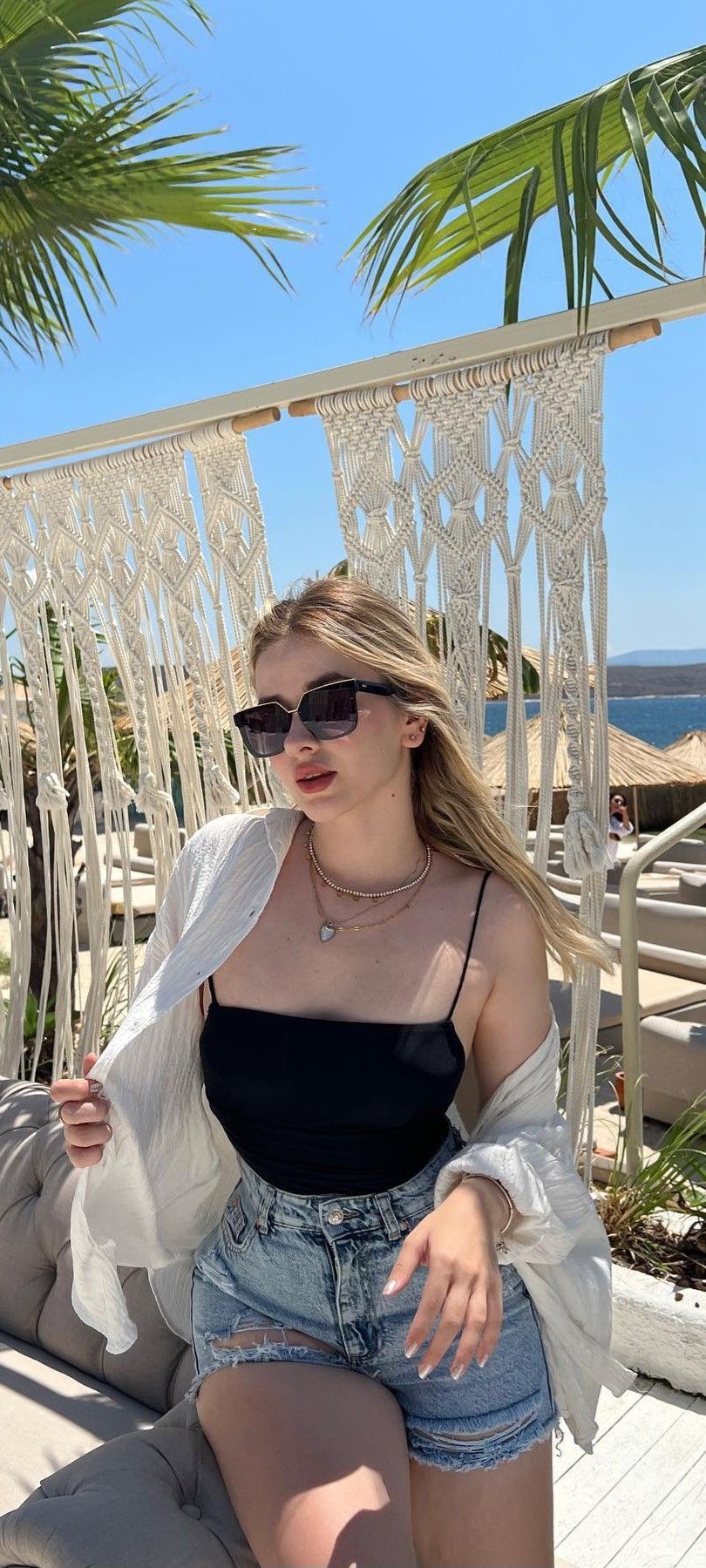
The neural network adds natural motion to your photo: facial expressions, a smile, breathing, plays of light and hair — while fully preserving the features and style of the original frame. Pick a ready-made template or describe the motion in your own prompt
Animate PhotoOne photo —
dozens of motions
The very same photo can be brought to life in dozens of ways: gentle breathing, a smile, a turn of the head, wind in the hair. Switch between templates and pick your mood
Browse templatesAnimation Templates
Dozens of ready-made motions — choose and apply


From a gentle breath —
to storms and flight
Every template has its own mood: a soft smile, flowing hair or an energetic burst. Pick a ready-made motion or describe your own — the neural network will bring it to life.
Animate your photoAnimated on MindlyFlow
These videos were generated from ordinary photos — yours will look just like them
Can't find the motion you need?
Describe it in words — click a prompt and it will open in the editor
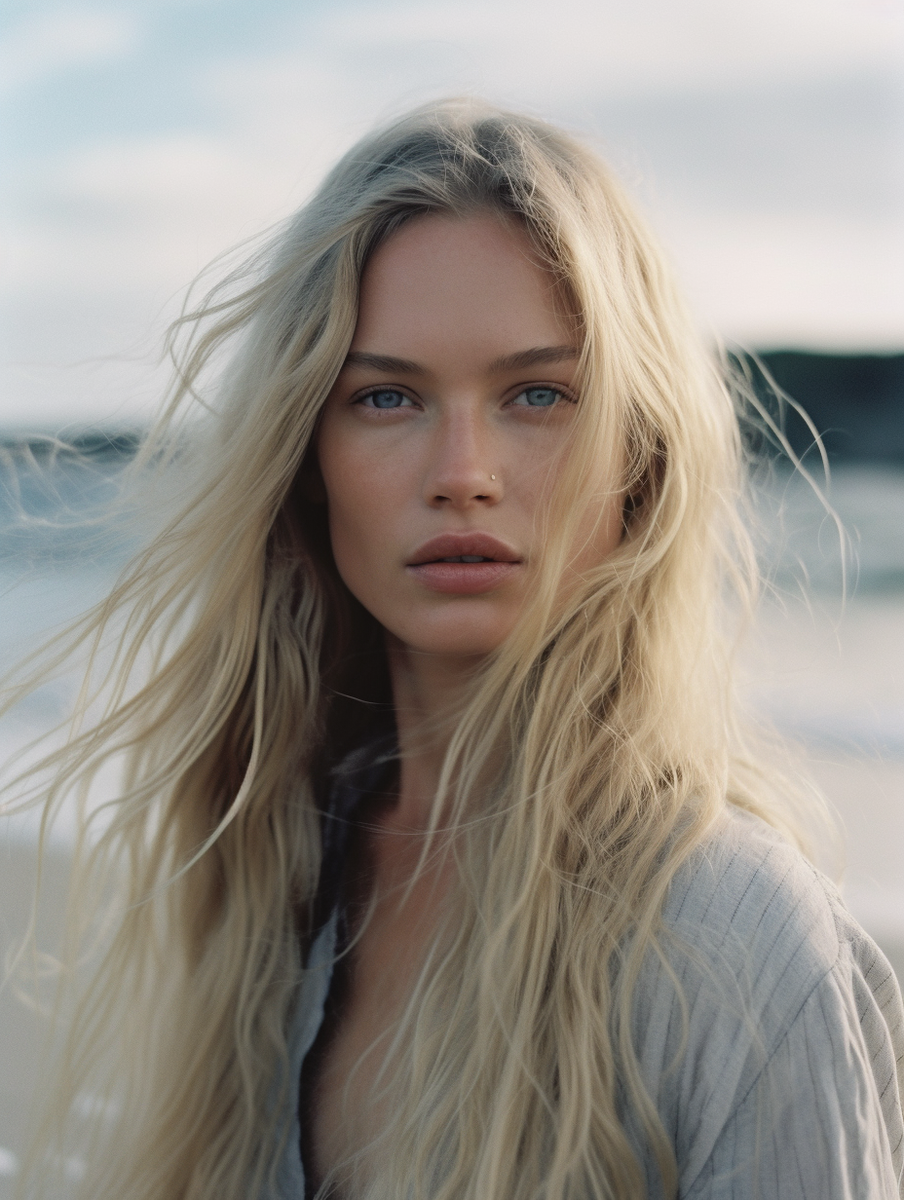 For portraits
«A light breeze in her hair, the girl slowly turns her head to the camera and smiles softly, cinematic light»
Open in editor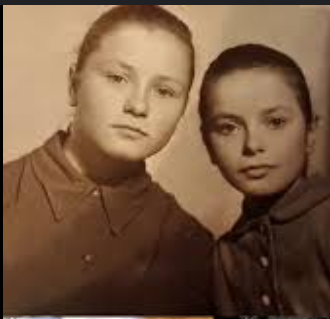 For old photos
«An elderly person blinks, smiles warmly and nods slightly — bring your family archive to life»
Open in editor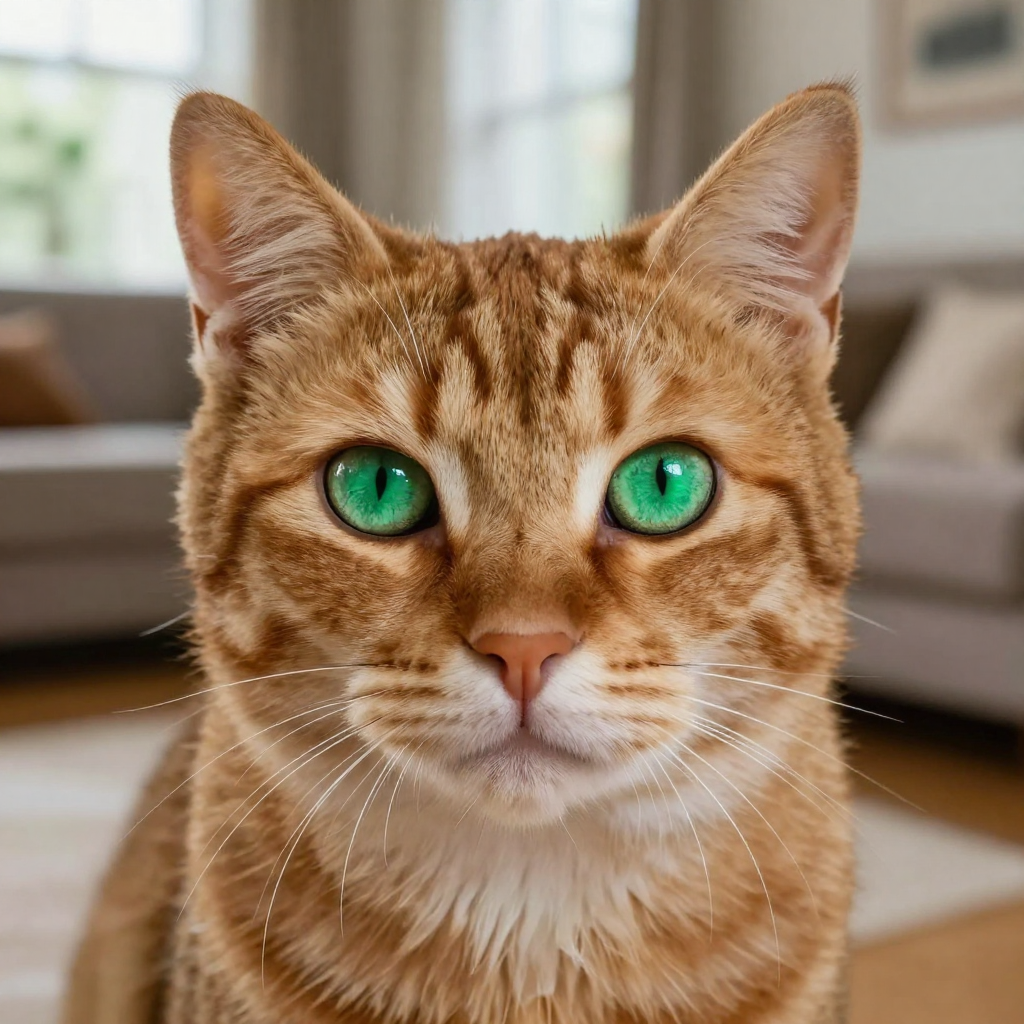 For pets
«A cat stretches, lifts its head and looks at the camera, ears twitching slightly»
Open in editorHow to create a video in 3 steps
The whole process takes less than five minutes
Upload a Photo
Any sharp photo will do
Выберите движение
A template, a custom prompt or a free-form scene
Получите видео
~5 минут и готово
Why MindlyFlow
Photo revival
Turn a still frame into a living video — motion, facial expressions, emotions
Ready-made Templates
50+ ready-made motion templates: portraits, landscapes, products — no prompt skills needed
Realistic AI
Hair movement, breathing, play of light, cinematic look — it feels like real video
Fast and in the browser
Results in minutes right on the site — no hours of waiting, nothing to install
Что умеет нейросеть
The AI recognizes the scene and adds natural motion — just pick what to bring to life
Facial expressions and blinking
Natural facial expressions
Smiles and emotions
Joy, surprise, thoughtfulness
Head turns
A living gaze into the camera
Breathing and life
A barely noticeable movement of shoulders and chest
Wind in the hair
A light movement of strands
Camera motion
Slow zoom and parallax
Living background
Rain, snow, neon, foliage
Object motion
Water, smoke, fabric, animals
Template or custom prompt
Beginners can start with ready-made motion templates. Pros get full freedom
- Dozens of ready-made motions
- No prompt knowledge needed
- Perfect for the first time
- Any motion in words
- Unique result
- Russian and English
Для чего это нужно
Photo animation comes in handy in many different situations
Семейный архив
Оживите старые снимки бабушек и дедушек
Social Media Content
Reels, Shorts, TikTok за минуту
Поздравления
Уникальный подарок на день рождения
Питомцы
Забавные видео с вашими любимцами
Technical Capabilities
How to get the perfect result
A couple of small things — and your animated photo will look even more realistic
A sharp photo
A sharp photo without heavy noise or blur is the foundation of lively video
Even lighting
Good lighting without harsh shadows on the face gives the best result
A close-up face
For portraits pick a frame where the face takes up a noticeable part
One main subject
A single person or pet in the frame is animated most accurately
Need a scene without a photo?
Describe it in words — the MindlyFlow neural network will create a video from scratch, with sound and special effects
Create your first video for free
Registration takes 30 seconds — and starter tokens are already on yourbalance. No subscription, no hidden fees.
- No Subscription
- No Watermarks
- Processing History
- Tokens never expire
Upload any photo to MindlyFlow, choose an animation template, or describethe motion with your own prompt. The neural network will create a video in 5minutes — no need to install software or sign up on dozens of services.
Yes, this is one of the most popular uses of the service. Old family photos,black-and-white images, scans — the neural network handles most images. Forbadly damaged photos, we recommend using the Photo Restoration tool first.
One photo animation equals one token. After registration, you receivestarter tokens for free. Then packs are sold with discounts up to 75% — thebigger the pack, the cheaper per animation.
JPG, PNG, HEIC, and WEBP are supported. The finished video is exported inMP4 without watermarks, in HD or Full HD quality — suitable for socialmedia, messengers, and printing.
The duration is set in the editor — from 5 to 15 seconds. That's enough for Reels, Stories, avatars and dynamic previews on social media.
Yes. The video is exported as watermark-free MP4 — use it in your blog, ads or for clients. The only rule: only upload photos you have the rights to process.
Your photos are not published or shared with third parties. They are usedonly for neural network processing and are accessible only to you in yourpersonal account.
AI photo animation — how it works
AI Video Technology
MindlyFlow uses state-of-the-art generative neural networks: they analyze the content of a photo and predict natural motion — hair, fabric, faces, background. The result looks realistic even on challenging shots.
Who It's For
The service is great for bloggers and SMM specialists creating unique content, for families bringing old photos to life, for designers and marketers making prototypes, ads and concepts — and for anyone who wants to surprise loved ones with an unusual video.
MindlyFlow Advantages
Works in the browser with no software to install, understands prompts in Russian, exports video to MP4 without watermarks, and offers dozens of ready-made animation templates — with a transparent token-based payment system.


